

You don't need a degree in theoretical computer science to build an AI model that actually works. You just need Python. It’s not just a trend; it’s the industry standard. Whether you are building a chatbot, analyzing stock trends, or training a neural network to recognize images, Python is the tool of choice. But why? Is it really better than C++ or Java?
The short answer is yes, but not because Python is faster at raw computation. It’s because Python makes complex math feel simple. It bridges the gap between messy real-world data and sophisticated algorithms. In this guide, we’ll break down exactly why Python dominates the AI landscape, which libraries you should be using right now, and how to avoid the common pitfalls that slow developers down.
The Ecosystem: More Than Just Code
When people talk about Python for AI, they aren’t just talking about the language syntax. They are talking about the ecosystem. Imagine trying to build a house without pre-made bricks. You’d have to mold every single one by hand. That’s what coding AI in lower-level languages like C can feel like. You spend weeks writing basic linear algebra functions instead of focusing on your model’s logic.
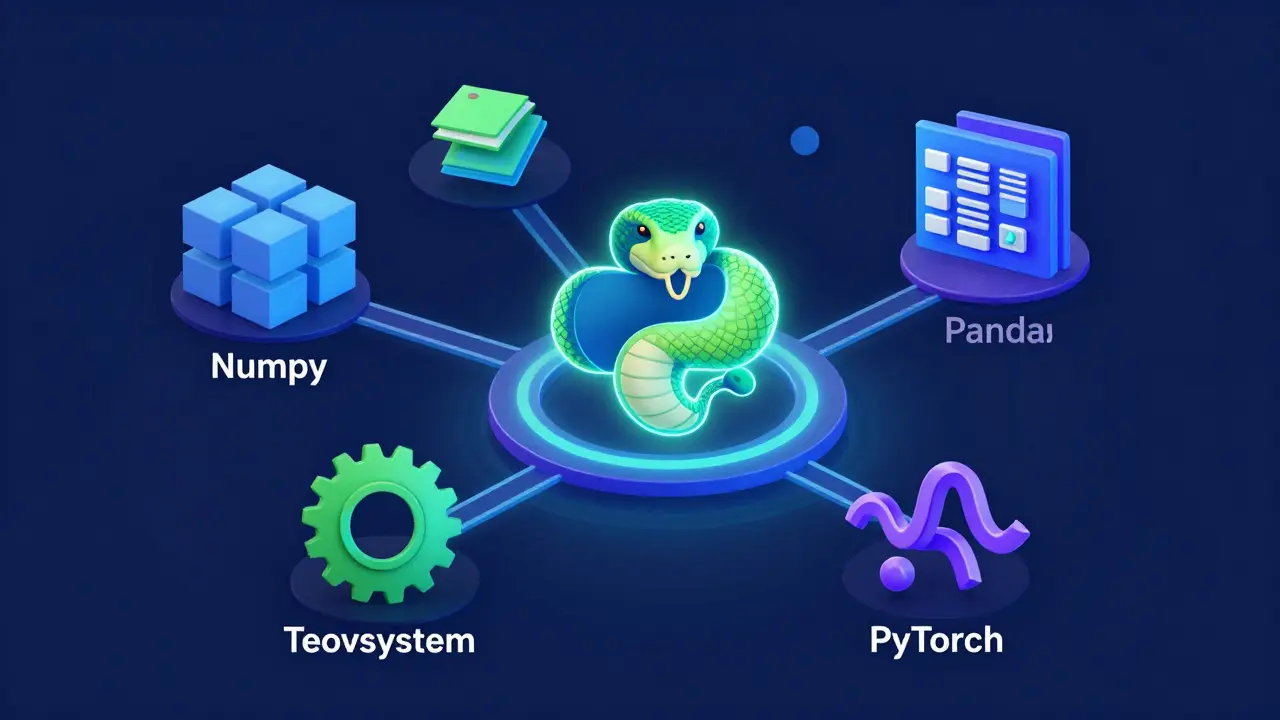
Python comes with a massive collection of pre-built tools. This is often called the "batteries-included" philosophy, but in AI, it’s more like a fully stocked workshop. You have tools for cleaning data, visualizing results, training models, and deploying them to production. All these tools speak the same language-Python. This interoperability saves months of development time.
| Library | Primary Use Case | Best For |
|---|---|---|
| NumPy | Numerical computing | Handling large arrays and matrices efficiently |
| Pandas | Data manipulation | Cleaning and organizing structured data (CSVs, SQL) |
| TensorFlow | Deep Learning | Production-grade models and mobile deployment |
| PyTorch | Deep Learning | Research, experimentation, and dynamic graphs |
| Scikit-learn | Traditional ML | Regression, classification, and clustering tasks |
Speed vs. Simplicity: The Performance Trade-off
Here is the elephant in the room: Python is slow. If you write a loop in Python to process a million numbers, it will take forever compared to C++. So, how does it handle AI workloads that require billions of calculations per second?
The secret is delegation. Python acts as the glue. When you call a function from NumPy or TensorFlow, Python doesn’t do the heavy lifting. It passes the task to optimized C or Fortran code running underneath. You get the readability of Python with the speed of C. This hybrid approach is crucial for AI development. You want to iterate quickly on your ideas (Python) while ensuring the math happens at hardware speeds (C/CUDA).
For most developers, this trade-off is a win. Spending three days debugging a memory leak in C++ isn’t worth saving two seconds of runtime during model training. However, if you are building a high-frequency trading bot or a real-time game engine, you might need to look into Cython or Numba to optimize specific bottlenecks.
Choosing Your Framework: TensorFlow vs. PyTorch
In 2026, the battle between TensorFlow and PyTorch has settled into a clear division of labor. Both are excellent, but they serve different stages of the AI lifecycle.
PyTorch has become the darling of the research community. Its dynamic computation graph allows you to change the structure of your neural network on the fly. This is perfect for experimenting with new architectures. If you are reading academic papers and trying to replicate their findings, PyTorch is usually the easier path. The code looks almost like plain Python, which makes it intuitive.
TensorFlow, on the other hand, remains strong in production environments. Google’s framework offers robust tools for scaling models across multiple servers and deploying them to mobile devices via TensorFlow Lite. If your goal is to ship a stable API that serves thousands of requests per minute, TensorFlow’s static graph optimization (via TensorRT integration) often provides better performance guarantees.
Data Handling: The Unsung Hero
Before you train any model, you need data. And real-world data is messy. It has missing values, inconsistent formats, and outliers. This is where Python shines brightest. The combination of Pandas and NumPy allows you to clean and transform data with surprising ease.
Imagine you have a CSV file with customer purchase history. Some dates are formatted as MM/DD/YYYY, others as DD-MM-YYYY. Some entries are blank. In Python, you can parse, normalize, and fill these gaps in just a few lines of code. Without this capability, even the most advanced AI model would fail due to garbage input. This "garbage in, garbage out" principle is why data scientists spend 80% of their time on data preparation-and Python makes that 80% much less painful.
Common Pitfalls to Avoid
Even experienced developers make mistakes when starting with Python for AI. Here are the most common ones:
- Ignoring Version Compatibility: AI libraries update frequently. A version of TensorFlow that worked last month might break today. Always use virtual environments (like venv or conda) to isolate your project dependencies.
- Overcomplicating Simple Problems: Don’t reach for deep learning immediately. Often, a simple logistic regression or decision tree (using Scikit-learn) will solve your problem faster and with less data. Deep learning requires massive datasets to generalize well.
- Not Monitoring Memory Usage: Loading entire datasets into RAM can crash your system. Use generators or chunking techniques to process data in smaller batches, especially when working with large image or text corpora.
- Skipping Data Validation: Never assume your data is clean. Always visualize distributions and check for anomalies before feeding data into a model.

Getting Started: A Practical Roadmap
If you are new to this space, here is a step-by-step plan to get up to speed:
- Install Python 3.12+: Ensure you have the latest stable release for best performance and security.
- Set Up a Virtual Environment: Run
python -m venv ai-envto create an isolated workspace. - Install Core Libraries: Use pip to install NumPy, Pandas, Matplotlib, and Scikit-learn.
- Learn the Basics of Data Manipulation: Practice loading CSV files, filtering rows, and calculating statistics with Pandas.
- Build Your First Model: Start with a simple classification task using Scikit-learn, such as predicting iris species based on petal measurements.
- Explore Deep Learning: Once comfortable, install PyTorch or TensorFlow and try training a neural network on the MNIST handwritten digits dataset.
Future-Proofing Your Skills
The AI field moves fast. Today’s state-of-the-art model might be obsolete tomorrow. However, the fundamentals remain constant. Understanding how data flows through a system, how to evaluate model performance, and how to debug errors is timeless. Python provides the flexibility to adapt to these changes. As new frameworks emerge, they will likely support Python first because of its dominance in the community.
Focus on understanding the underlying concepts rather than memorizing API calls. Read documentation, experiment with small projects, and join online communities. The best way to learn is by doing. Build something broken, fix it, and repeat. That’s how you become proficient in Python for AI.
Is Python the only language used for AI?
No, other languages like R, Julia, and C++ are also used. R is popular in academia for statistical analysis, while Julia is gaining traction for high-performance scientific computing. However, Python remains the most widely adopted due to its vast library ecosystem and ease of use.
Do I need a powerful computer to run Python AI code?
For basic machine learning tasks, a standard laptop is sufficient. However, for deep learning, especially training large neural networks, a GPU (Graphics Processing Unit) is highly recommended. Cloud services like AWS, Google Cloud, and Azure offer affordable access to GPU instances if you don’t have local hardware.
Which is better for beginners: TensorFlow or PyTorch?
PyTorch is generally considered more beginner-friendly due to its intuitive, Pythonic syntax and dynamic computation graph. It allows for easier debugging and experimentation. TensorFlow has a steeper learning curve but offers robust production tools.
Can I use Python for real-time AI applications?
Yes, but with caveats. While Python itself is slow, libraries like TensorFlow and PyTorch can optimize models for real-time inference. For extremely low-latency requirements, developers often convert Python-trained models to optimized formats (like ONNX or TensorRT) and deploy them using C++ or specialized hardware.
How important is mathematics for Python AI development?
Mathematics is crucial for understanding how models work and diagnosing issues. While you don’t need to derive equations manually thanks to libraries, a solid grasp of linear algebra, calculus, and statistics helps you choose the right algorithms and interpret results accurately.