
Function Size Checker
Check Your Function Size
Functions should do one thing and be under 15 lines. This tool analyzes your function for maintainability.
Ever spend hours debugging a mess you wrote last week? You weren’t lazy-you just didn’t know the right coding tips to keep things clean, fast, and sane. The truth is, writing code that works isn’t enough. Real programmers write code that other humans can read, change, and extend without wanting to scream. And it’s not about being a genius. It’s about habits.
Start with a Plan, Not Just a Keyboard
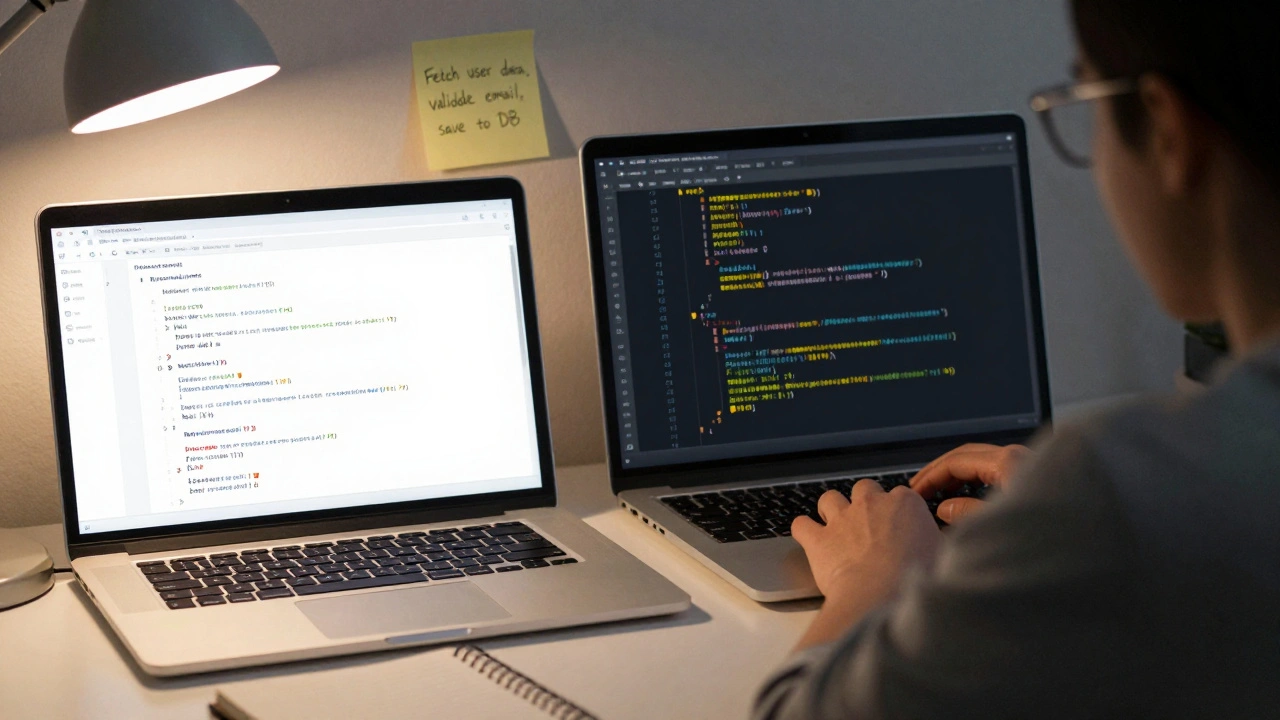
Too many people jump into coding like they’re playing a video game: hit buttons, see what happens. That’s how you get spaghetti code that only you can untangle. Before you type a single line, ask: what’s the smallest useful thing this code needs to do?Write it down. Not in a fancy document. Just a sticky note or a comment in your file. Example: “Fetch user data, validate email, save to DB, send confirmation.” That’s your mission. If you can’t explain it in one sentence, you’re not ready to code.
Real-world example: I once saw a junior dev spend three days building a full authentication system with roles, permissions, and OAuth2 before realizing the app only needed to let one person log in with a password. They rewrote it in two hours after writing down the actual requirement.
Names Matter More Than You Think
Naming things is the hardest part of programming. Not because it’s technical. Because it’s communication.Don’t use data1, temp, or getStuff(). Those are placeholders for lazy people. Use names that tell a story:
- Use
userEmail, notemail-context matters. - Use
calculateMonthlyInterest(), notcalc(). - Use
isUserLoggedInfor booleans. The “is” tells you it’s a yes/no check.
When you read your code six months later, you shouldn’t have to guess what process() does. You should know immediately. That’s the goal.
Keep Functions Small-Like, Really Small
A function should do one thing. And it should do it well. If your function is longer than 15 lines, it’s probably doing too much.Here’s a bad one:
function handleOrder(data) {
  const user = findUser(data.userId);
  if (!user) throw new Error("User not found");
  const product = getProduct(data.productId);
  if (!product.inStock) throw new Error("Out of stock");
  const total = calculateTotal(product.price, data.quantity);
  const tax = calculateTax(total, user.region);
  const finalAmount = total + tax;
  saveOrder(user, product, finalAmount);
  sendEmail(user.email, "Order confirmed");
  updateInventory(product.id, data.quantity);
}
That’s 9 responsibilities in one function. Now here’s the fix:
function handleOrder(data) {
  const user = findUser(data.userId);
  const product = getProduct(data.productId);
  validateOrder(user, product);
  const amount = calculateTotal(product.price, data.quantity);
  const finalAmount = applyTax(amount, user.region);
  saveOrder(user, product, finalAmount);
  notifyUser(user.email);
  updateInventory(product.id, data.quantity);
}
Each line now does one thing. You can test each piece separately. You can swap out the email service without touching the tax logic. That’s maintainable code.
Write Code That Doesn’t Lie
Your code should never mislead. That means no fake comments, no misleading names, no “temporary” code that’s been sitting for two years.Here’s a classic trap:
// TODO: Optimize this later
for (let i = 0; i < 1000000; i++) {
  // do something slow
}
That “TODO” is a landmine. It’s a promise you’ll never keep. Delete it or fix it. If you can’t fix it now, write a ticket. But don’t leave code that lies.
Same goes for comments that repeat the code:
// increment counter
counter++;
That’s useless. Comments should explain why, not what. Why are you doing this? Why this algorithm? Why this workaround?

Use Version Control Like a Pro
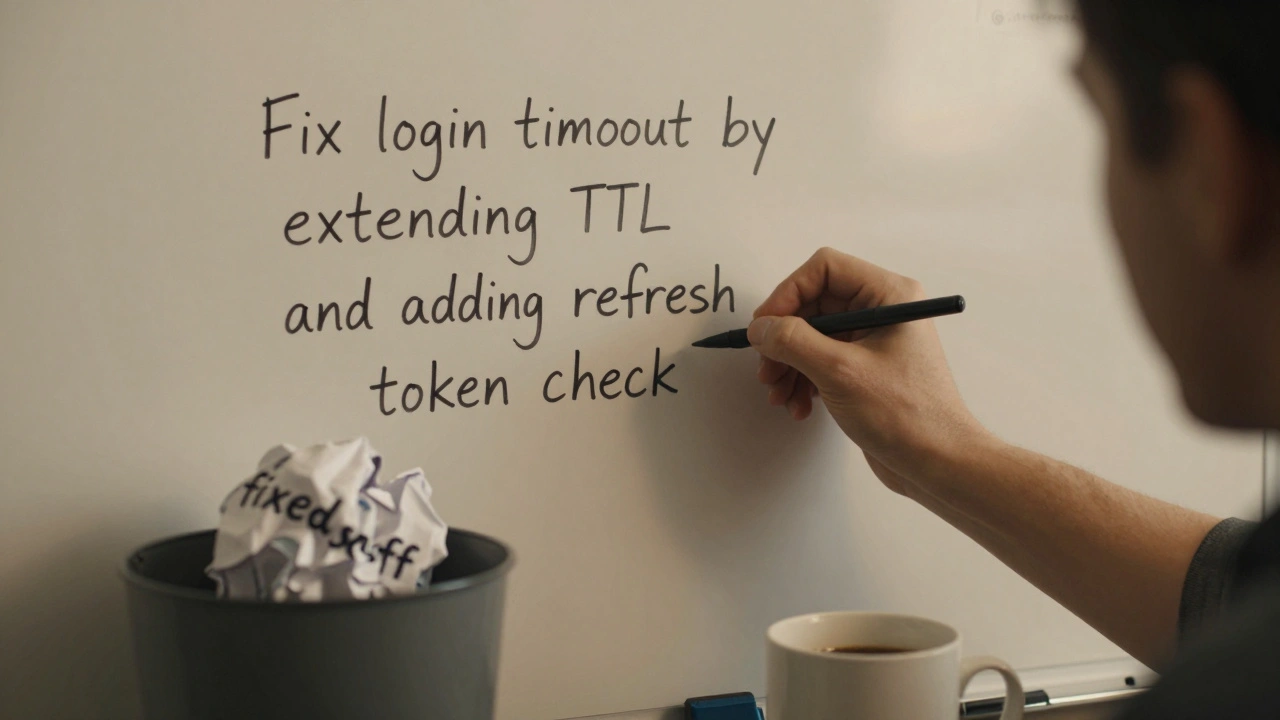
Git isn’t just for backup. It’s your history book. Every commit should tell a story.Bad commit message: “fixed stuff”
Good commit message: “Fix login timeout bug by extending session TTL to 2 hours and adding refresh token check”
Why does this matter? Because when you’re debugging a bug that appeared last Tuesday, you’ll want to know exactly what changed. You’ll want to roll back one change without touching ten others.
Also, don’t commit half-finished work. If you’re stuck, stash it. Or create a draft branch. But don’t pollute main with broken code. Your teammates will hate you.
Test Early, Test Often
You don’t need to write 200 unit tests for a simple script. But you should test the parts that break. Every time.For example: if your app calculates shipping costs, write a test that checks:
- Free shipping for orders over $50
- Standard rate for $20-$49
- International surcharge applies
Run those tests every time you change anything. Even if it’s just adding a comma. Automation saves you from embarrassing bugs in production.
And yes, you can start small. A single test is better than zero. A test that runs automatically is better than one you have to run manually.
Learn to Say No to Complexity
New devs often think fancy = better. They use frameworks they don’t understand. They add libraries for one small feature. They try to build a microservice for a side project.Here’s the truth: the best code is the code you don’t write.
Before you add a dependency, ask:
- Can I do this with built-in tools?
- Will this make the app slower or harder to deploy?
- Who maintains this library? Is it active?
- Will I understand this code in six months?
Example: You need to parse a CSV. Do you really need a 50KB library? JavaScript’s split() and map() can handle it in 10 lines. Less code. Fewer bugs. Faster load.
Read Other People’s Code
You won’t get better by just writing your own code. You get better by reading code written by people who’ve been doing this longer.Look at open-source projects. GitHub has millions of them. Start with small, well-documented ones: a simple calculator, a to-do list app, a weather widget.
Ask yourself: Why did they structure it this way? Why did they choose this naming? Why is this function so short? What’s missing? What’s over-engineered?
It’s like learning to cook by watching a chef. You don’t just copy the recipe. You learn their rhythm, their choices, their shortcuts.
Take Breaks. Seriously.
Staring at a screen for 8 hours doesn’t make you more productive. It makes you tired. And tired programmers make mistakes.Use the Pomodoro technique: 25 minutes coding, 5 minutes walking, looking out the window, making tea. After four cycles, take 20 minutes off.
Studies show that after 90 minutes of focused work, your brain’s ability to solve problems drops sharply. You’re not “being productive.” You’re just burning out.
Some of my best fixes came after I walked the dog and came back with a fresh mind. The answer was obvious. I just couldn’t see it before because I was stuck in the weeds.
Code Is a Conversation
You’re not talking to the computer. You’re talking to the next person who reads your code. Maybe it’s you in six months. Maybe it’s a teammate. Maybe it’s someone fixing your bug at 2 a.m. on a Sunday.Write code that’s polite. Clear. Thoughtful. Don’t show off. Don’t be clever. Don’t use obscure tricks just because you can.
Efficient programming isn’t about speed. It’s about sustainability. It’s about not wasting your own time, or anyone else’s.
Do that, and you’ll not only write better code-you’ll become the person everyone wants to work with.
What’s the most important coding tip for beginners?
Write code that’s easy to understand. Focus on clear names, small functions, and clean structure before trying to optimize speed or use fancy tools. The goal isn’t to impress the computer-it’s to make your future self and your team’s life easier.
How do I know if my code is efficient?
Efficient code runs fast, uses little memory, and is easy to change. But the biggest sign is this: can someone else read it and fix a bug in under 10 minutes? If yes, you’re doing it right. Speed optimizations come later-after you’ve made the code readable and reliable.
Should I use a framework for my first project?
Only if it helps you solve the actual problem. For a simple website or tool, start with plain HTML, CSS, and JavaScript. Frameworks add complexity. Learn the basics first. Once you know what the framework is hiding, you’ll appreciate it-and avoid its traps.
Is it okay to copy code from Stack Overflow?
Yes-but only if you understand it. Copying without understanding is how bugs hide. Always read the code. Try to rewrite it in your own words. Test it. Then use it. That’s how you learn. Blind copy-paste is how you end up with security holes or broken logic.
How often should I refactor my code?
Refactor when you’re adding new features or fixing bugs. That’s the natural moment to clean things up. Don’t refactor just because it looks messy. But if you’re touching a function, make it better while you’re there. Small, frequent improvements beat massive overhauls every time.
If you’re reading this and thinking, “I already do all this,” good. Keep going. If you’re thinking, “I do none of this,” start with one thing today. Pick one tip-maybe naming variables better-and use it in your next file. Small changes add up. In six months, you’ll wonder how you ever coded any other way.