
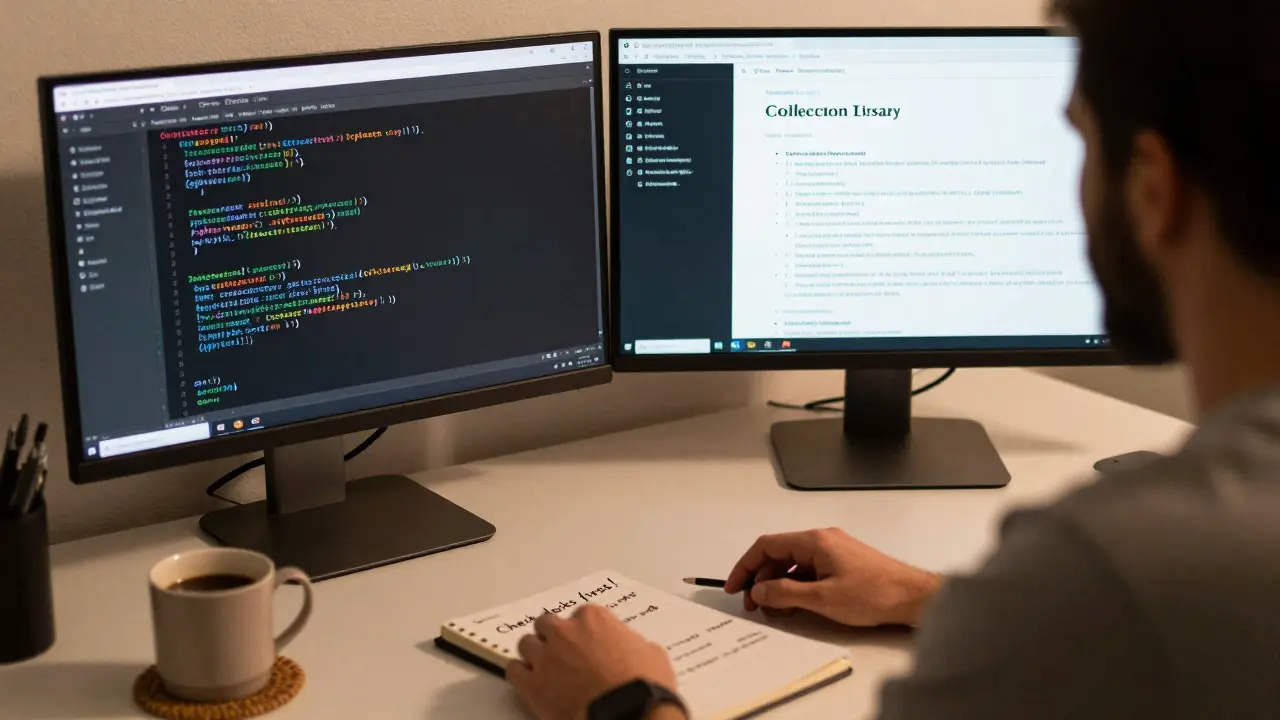
Most programmers spend more time stuck than they do coding. You open your editor, stare at the screen, and wonder why it’s taking so long to fix a simple bug or build a basic feature. It’s not that you’re slow. It’s that you’re working the wrong way.
Programming faster isn’t about typing quicker. It’s about thinking smarter, reducing friction, and cutting out the noise. The people who ship code fast aren’t geniuses. They’ve built systems that let them move without hesitation.
Stop Rebuilding What Already Exists
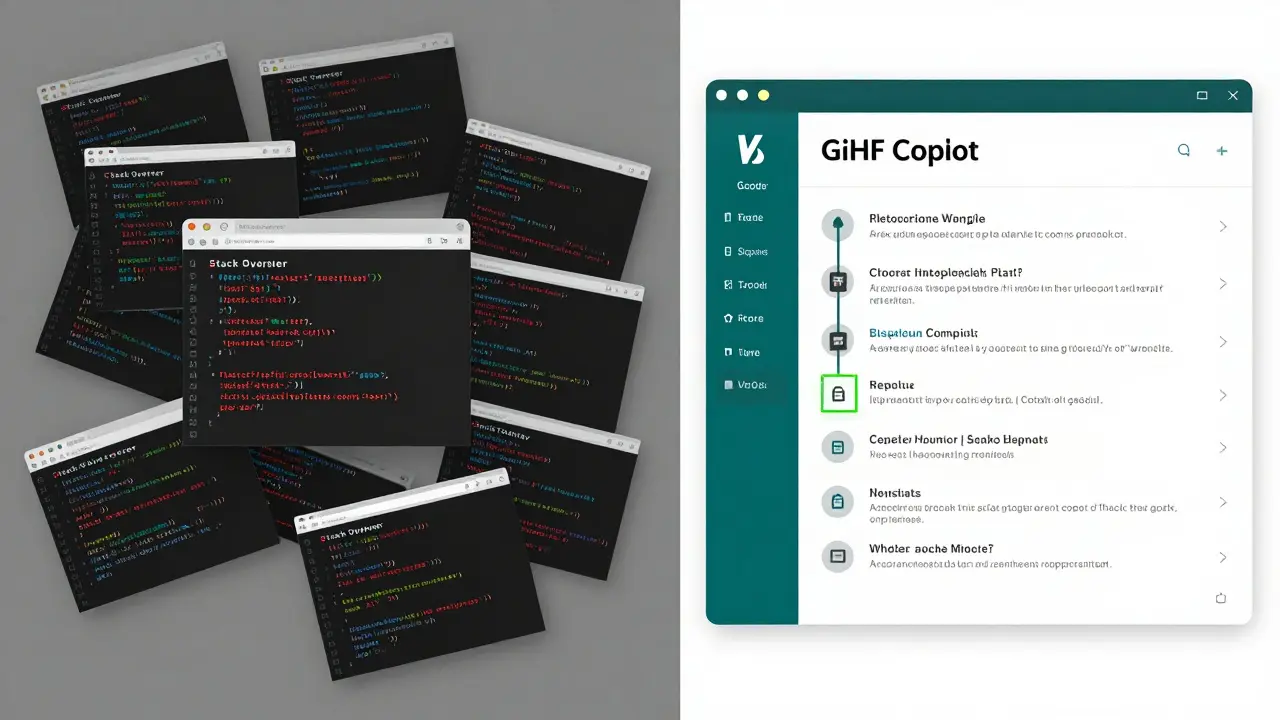
How many times have you written a function to sort a list, validate an email, or parse JSON-only to realize later that your language already has a built-in solution? Or worse, you copied code from Stack Overflow, pasted it into your project, and spent three hours debugging it because you didn’t understand what it did.
Learning your language’s standard library isn’t optional. It’s the first step to programming faster. In Python, use collections.Counter instead of writing a loop to count items. In JavaScript, use Array.includes() instead of manually iterating. In Java, use Optional to avoid null checks.
Here’s a simple rule: if you’re writing more than 10 lines of code to do something basic, check the docs first. The Python standard library has over 200 modules. The JavaScript standard library has dozens of array and string methods you’ve probably never used. You don’t need to memorize them all. But you need to know where to look-and how to search effectively.
Use the Right Tools for the Job
Not all editors are created equal. If you’re still using Notepad++ or basic VS Code without extensions, you’re working 3x harder than you need to.
Install these essentials:
- Code completion tools like GitHub Copilot or Tabnine-they don’t write your code for you, but they suggest the next line before you finish typing. Studies show developers using AI assistants complete tasks 55% faster.
- Snippets for repetitive patterns. Create a snippet for a React component, a Flask route, or a SQL query. Type three letters and hit tab. Done.
- Terminal shortcuts. Learn Ctrl+R to search your command history. Use cd - to jump back to the last directory. Aliases like alias ll='ls -la' save seconds per command-and seconds add up.
One developer in Melbourne I spoke to cut his daily debugging time in half just by setting up a custom VS Code keybinding to run his test suite with one keystroke. He didn’t change his skill level. He changed his workflow.
Write Less Code, Do More
The fastest programmers write the least code. Not because they’re lazy. Because they’re strategic.
Before you start coding, ask: “Can I solve this without writing anything new?”
- Can you use a third-party API instead of building your own authentication?
- Can you use a pre-built UI library like Material UI instead of styling buttons from scratch?
- Can you configure a tool like Docker Compose instead of writing a custom deployment script?
Every line of code you write is a liability. It can break. It needs testing. It needs documentation. It needs maintenance. Every line you don’t write is one less thing to worry about.
One team I worked with replaced a 2,000-line custom data importer with a 50-line script using Apache Airflow. The new version ran faster, handled errors better, and took zero time to train new hires. They didn’t become better coders. They became better problem-solvers.
Break Problems Into Tiny Pieces
Big problems feel impossible. That’s why you stall. The trick isn’t to tackle the whole thing at once. It’s to slice it into pieces so small you can solve them in under 10 minutes.
Instead of: “Build a user dashboard with charts, filters, and real-time updates.”
Try this:
- Display a static list of users from a mock JSON file.
- Add a button to refresh the list.
- Replace the mock data with a real API call.
- Add a loading spinner while the data loads.
- Filter the list by name using a text input.
- Render a chart using a library like Chart.js.
- Make the chart update when the filter changes.
Each step is so small you can’t fail. You finish one. You feel progress. You keep going. This is the opposite of “I’ll just start coding and see what happens.” That’s how you waste hours.
Use the 5-minute rule: If you can’t describe the next step in five words or less, break it down further.
Learn to Debug Like a Pro
Most programmers spend 70% of their time debugging. That’s not normal. That’s a sign you’re missing the fundamentals.
Stop guessing. Stop adding console.log statements everywhere. Start using a debugger.
In VS Code, set a breakpoint. Step through your code line by line. Watch variable values change. See exactly where things go wrong. It takes 2 minutes to learn. It saves you 20 minutes per bug.
Also, learn to read error messages. They’re not random noise. They’re clues. A “TypeError: Cannot read property ‘name’ of undefined” means you’re trying to access a property on something that doesn’t exist. That’s not a mystery. That’s a logic gap.
One habit that changed everything for me: before I ask for help, I write down:
- What I expected to happen
- What actually happened
- Where I think the problem is
- What I’ve already tried
90% of the time, writing that down fixes the issue. The rest of the time, I can ask for help and get an answer in 5 minutes instead of 30.
Build a Personal Toolkit
The fastest programmers don’t rely on memory. They rely on systems.
Start collecting:
- Code snippets for common patterns (API calls, form validation, error handling)
- Templates for new projects (folder structure, config files, README examples)
- Scripts that automate boring tasks (setting up a new repo, running tests, deploying to staging)
- Notes on things you learned the hard way (e.g., “Never use setTimeout for API retries-use exponential backoff”)
Store them in a folder called ~/dev/tools. Use a simple markdown file or a tool like Notion or Obsidian. Don’t overcomplicate it. Just make sure you can find it when you need it.
After six months, you’ll have a personal library of solutions. You won’t need to Google the same thing twice.
Work in Focused Blocks, Not All Day
Programming faster isn’t about working longer. It’s about working better.
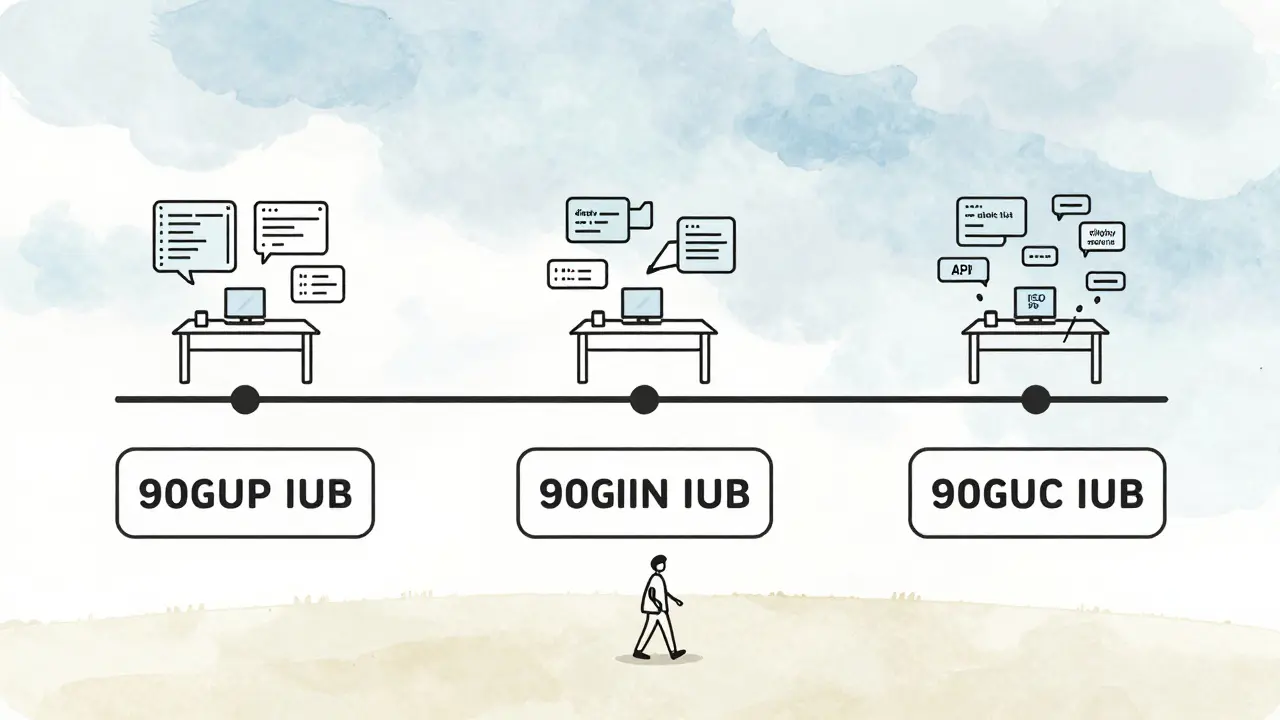
Try the 90-minute focus block: Set a timer for 90 minutes. No email. No Slack. No phone. Just code. When the timer ends, take a 20-minute break. Walk outside. Drink water. Look at something far away.
Why 90 minutes? That’s the length of a natural human focus cycle. After that, your brain starts to lose precision. You make more typos. You miss edge cases. You get frustrated.
One developer I know doubled his output after switching from 8-hour days to three 90-minute blocks. He wasn’t working more. He was working smarter.
Measure Your Progress
You can’t improve what you don’t measure.
Track these three things for one week:
- How many hours you spent coding
- How many features you shipped
- How many times you got stuck for more than 30 minutes
At the end of the week, look for patterns. Did you get stuck mostly when you were working on a new library? Then spend time learning it before you start building. Did you ship more on days you used snippets? Then build more.
This isn’t about productivity porn. It’s about finding your friction points and removing them.
Speed Comes From Confidence, Not Speed
The fastest programmers aren’t the ones who type the fastest. They’re the ones who aren’t afraid to try things. They know their tools. They know their language. They know how to break problems down. They’ve been through this before.
Speed isn’t a skill. It’s a byproduct of preparation.
Start small. Pick one thing from this list-maybe setting up code snippets, or learning one new built-in function-and do it this week. Don’t try to change everything at once. Change one habit. Then another. Then another.
Programming faster isn’t a secret. It’s a series of small, repeatable choices. And you’ve already made the first one: you’re reading this. Now go write some code.
How long does it take to become a faster programmer?
There’s no fixed timeline. Most people see noticeable improvement within two weeks if they apply even two or three of these techniques consistently. The biggest gains come from reducing distractions, using built-in tools, and breaking tasks into tiny steps. Speed builds over time, not overnight.
Do I need AI tools like GitHub Copilot to code faster?
No, but they help. You can become significantly faster without AI by mastering your editor, using snippets, and learning your language’s standard library. AI tools like Copilot are force multipliers-they work best when you already know what you’re doing. Use them to save time on boilerplate, not to replace understanding.
Why do I still feel slow even after learning syntax?
Knowing syntax is just the start. Programming is problem-solving. Feeling slow usually means you’re trying to solve too much at once, you’re not using the right tools, or you’re stuck in a loop of trial-and-error instead of debugging systematically. Focus on workflow, not just knowledge.
Is it better to code fast or code correctly?
Correct first, fast second. Writing fast, broken code creates more work later. The goal is to write clean, correct code quickly-not rushed, sloppy code. Speed comes from experience, not shortcuts. Once you’re confident in your approach, speed follows naturally.
What’s the #1 mistake slow programmers make?
Trying to solve everything in one go. They don’t break problems down. They don’t use tools. They don’t measure their time. They just keep typing, hoping something will work. The fix isn’t more effort-it’s more structure.