
Why does every major AI breakthrough seem to start with the same three letters? It’s not magic. It’s Python. While C++ handles the heavy lifting under the hood and JavaScript runs your browser, Python has quietly become the universal language of artificial intelligence. From chatbots that sound human to self-driving cars navigating city streets, the code behind these feats is almost always written in Python first.
You don’t need to be a math genius to understand why. Python offers a rare combination: it reads like plain English, yet it connects effortlessly to the high-performance libraries that make modern AI possible. If you’ve ever wondered how a simple script can train a model on millions of images, this is where the story begins. We’ll break down exactly why Python dominates the AI landscape, what tools you actually need, and how to start building without getting lost in the weeds.
Key Takeaways
- Python is the primary language for AI due to its readability and vast ecosystem of specialized libraries.
- Frameworks like PyTorch and TensorFlow handle complex calculations while letting you write intuitive code.
- Data manipulation relies heavily on Pandas and NumPy to clean and structure raw information before training models.
- Performance isn’t an issue because Python interfaces with optimized C and CUDA libraries, ensuring speed where it matters most.
- Starting with Jupyter Notebooks allows for interactive experimentation, making the learning curve significantly smoother for beginners.
Why Python Dominates the AI Landscape
Think about the last time you tried to explain a complex recipe to someone. If you used technical jargon, they’d get confused. But if you said, "mix the flour and eggs gently," it’s clear. That’s essentially what Python does for computers. Its syntax is designed for humans to read, which means fewer bugs and faster development cycles. In AI, where experiments are frequent and iterations happen daily, this clarity is invaluable.
But readability alone doesn’t explain the dominance. The real secret lies in the ecosystem. When you install Python, you’re not just getting a language; you’re getting access to a massive library of pre-built tools. These aren't just random scripts; they are battle-tested modules maintained by thousands of developers worldwide. This community support means that when a new algorithm comes out, there’s usually a Python package available within weeks. You don’t have to reinvent the wheel. You build on top of existing giants.
Consider the alternative. Writing a neural network from scratch in C would take months. In Python, using a framework like PyTorch, you might need just ten lines of code to define the same architecture. This efficiency allows researchers and engineers to focus on the logic of the AI rather than the plumbing of the computer science.
The Core Stack: Libraries That Do the Heavy Lifting
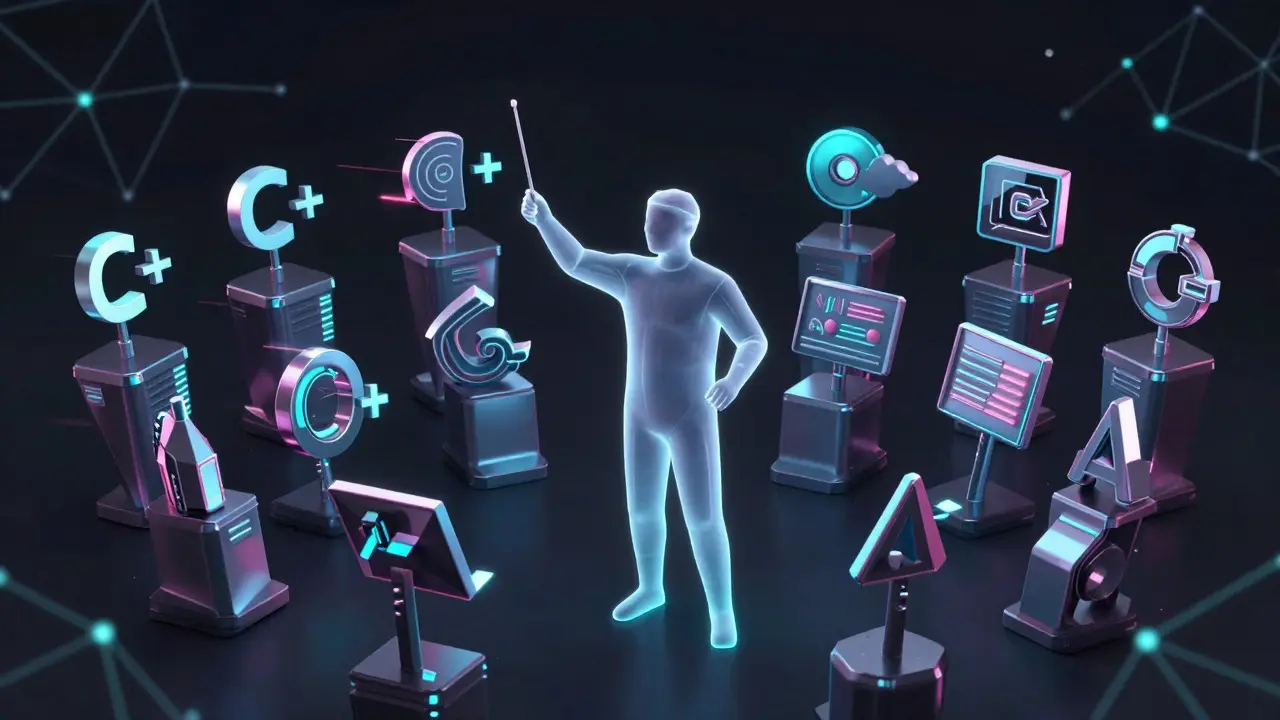
Python itself is interpreted, which makes it slower than compiled languages like C++. So how do we run billion-parameter models? The answer is delegation. Python acts as the conductor, directing the orchestra of lower-level languages. Here are the key players in this stack:
- NumPy: This is the foundation. It provides multi-dimensional arrays and linear algebra functions. Without NumPy, processing large datasets would be painfully slow. It turns lists of numbers into efficient blocks of memory that computers love.
- Pandas: If NumPy is the muscle, Pandas is the brain for data organization. It handles tables, missing values, and time series data. Most AI projects start here, cleaning up messy CSV files into usable formats.
- Matplotlib and Seaborn: You can’t trust what you can’t see. These visualization libraries let you plot data distributions and model performance, helping you spot trends or errors before they ruin your training process.
Once the data is ready, we move to the deep learning frameworks. This is where the magic happens. Two names stand out here: TensorFlow and PyTorch. Both are powerful, but they serve slightly different philosophies. TensorFlow has historically been favored for production environments due to its robust deployment tools. PyTorch, however, has gained massive traction in research circles because of its dynamic computation graphs, which make debugging easier and coding more intuitive.
| Feature | PyTorch | TensorFlow |
|---|---|---|
| Primary Use Case | Research & Prototyping | Production & Deployment |
| Computation Graph | Dynamic (Eager Execution) | Static (Graph Mode) / Dynamic (Eager) |
| Learning Curve | Gentler for beginners | Steeper initially, steeper for advanced ops |
| Ecosystem Strength | Hugging Face, TorchVision | Keras, TFLite, TF Serving |
From Data to Model: A Practical Workflow
Let’s walk through what this looks like in practice. Imagine you want to build a system that predicts house prices based on square footage, location, and age. You don’t start with the AI model. You start with the data.
First, you load your dataset using Pandas. Maybe it’s a CSV file with 10,000 rows. You check for missing values. You normalize the numbers so that a house size of 5000 doesn’t overpower a price difference of $10. This step is crucial. Garbage in, garbage out. If your data is messy, your AI will be wrong.
Next, you split your data. You need a training set to teach the model and a test set to verify it learned correctly. If you test on the same data you trained on, you’re cheating yourself. The model will memorize the answers instead of learning the patterns.
Now, you define your model. Using PyTorch, you create a simple neural network. You specify layers, activation functions, and loss metrics. Then, you hit run. Underneath the surface, Python is calling CUDA kernels on your GPU to perform matrix multiplications at lightning speed. You watch the loss decrease over epochs. Once satisfied, you save the model. That’s it. You have a working AI component.
Common Pitfalls and How to Avoid Them
Even with such powerful tools, mistakes happen. One common trap is over-engineering. Beginners often try to build complex architectures before mastering the basics. Start simple. A linear regression model might solve your problem better than a deep neural network. Keep it simple until you prove complexity is necessary.
Another issue is ignoring hardware constraints. Training large models requires significant RAM and VRAM. If your laptop freezes, it’s not Python’s fault; it’s your hardware limit. Learn to use batch processing and mixed precision training to manage memory usage efficiently. Tools like Hugging Face Transformers provide pre-trained models that are already optimized, saving you from these headaches entirely.
Finally, don’t neglect version control. AI projects involve many small changes. If you tweak a hyperparameter and it works, you need to know exactly what changed. Git is your best friend here. Pair it with Jupyter Notebooks to keep your code and results organized.

Getting Started: Your First Steps
Ready to dive in? Don’t buy a supercomputer yet. Your current laptop is likely sufficient for learning. Install Anaconda, which bundles Python with all the essential data science packages. It saves you from dependency hell.
Open Jupyter Notebook. It’s a web-based interface where you can write code in cells and see results immediately. This interactivity is game-changing for exploration. Try loading a sample dataset, plotting it, and then running a simple classifier. Break things. Fix them. Repeat.
Join communities. The Python AI community is incredibly active. Platforms like GitHub host thousands of open-source projects. Reading other people’s code is one of the fastest ways to learn best practices. Look for repositories tagged with 'machine-learning' or 'deep-learning'. Clone them, run them, and modify them.
Frequently Asked Questions
Is Python too slow for production AI?
Generally, no. For inference (running the model), the bottleneck is usually the math, not the Python loop. By using optimized libraries like ONNX Runtime or TensorRT, you can achieve near-native speeds. For training, the heavy lifting is done by GPUs via C/CUDA, so Python’s overhead is negligible.
Should I choose PyTorch or TensorFlow for my first project?
For learning and prototyping, PyTorch is often recommended due to its intuitive syntax and dynamic graph nature. However, if you plan to deploy mobile apps or edge devices immediately, TensorFlow Lite offers more streamlined tools. Many professionals now use both depending on the specific task.
Do I need to know calculus to use Python for AI?
You don’t need to derive equations by hand to use the libraries. However, understanding concepts like gradients and probability helps you debug models and interpret results. Think of it like driving a car: you don’t need to be an engineer to drive, but knowing how the engine works helps when it breaks down.
What is the role of Hugging Face in the Python AI ecosystem?
Hugging Face provides a hub for pre-trained models and datasets. Their 'Transformers' library allows you to load state-of-the-art language models with just a few lines of code. It drastically reduces the time needed to build NLP applications by providing ready-made components.
Can I use Python for AI on mobile devices?
Yes, but indirectly. You typically train the model in Python on a server or desktop, then convert it to a format suitable for mobile, like TFLite or CoreML. On the device, the model runs in C++, but Python remains the language for developing and testing that model.