

Python isn't just popular for AI-it's the backbone of nearly every major AI project today. If you're a developer looking to build intelligent systems, skip the hype and focus on what actually works. Python gives you the tools to turn ideas into working AI models faster than any other language. No fluff. No theory without practice. Just the essentials you need to get real results.
Why Python Dominates AI Development
Why do 90% of AI teams use Python? It’s not because it’s the fastest or the most elegant. It’s because it removes friction. You don’t need to compile code. You don’t need to manage memory. You can test a neural network in under five minutes using just a few lines. That speed matters when you’re iterating on models.
Python’s rise in AI wasn’t accidental. It happened because libraries like TensorFlow, PyTorch, and scikit-learn were built for Python first. These aren’t afterthoughts-they’re the core tools that power everything from self-driving cars to recommendation engines. Even companies like Google and Meta, who build their own AI infrastructure, use Python as the primary interface for researchers and engineers.
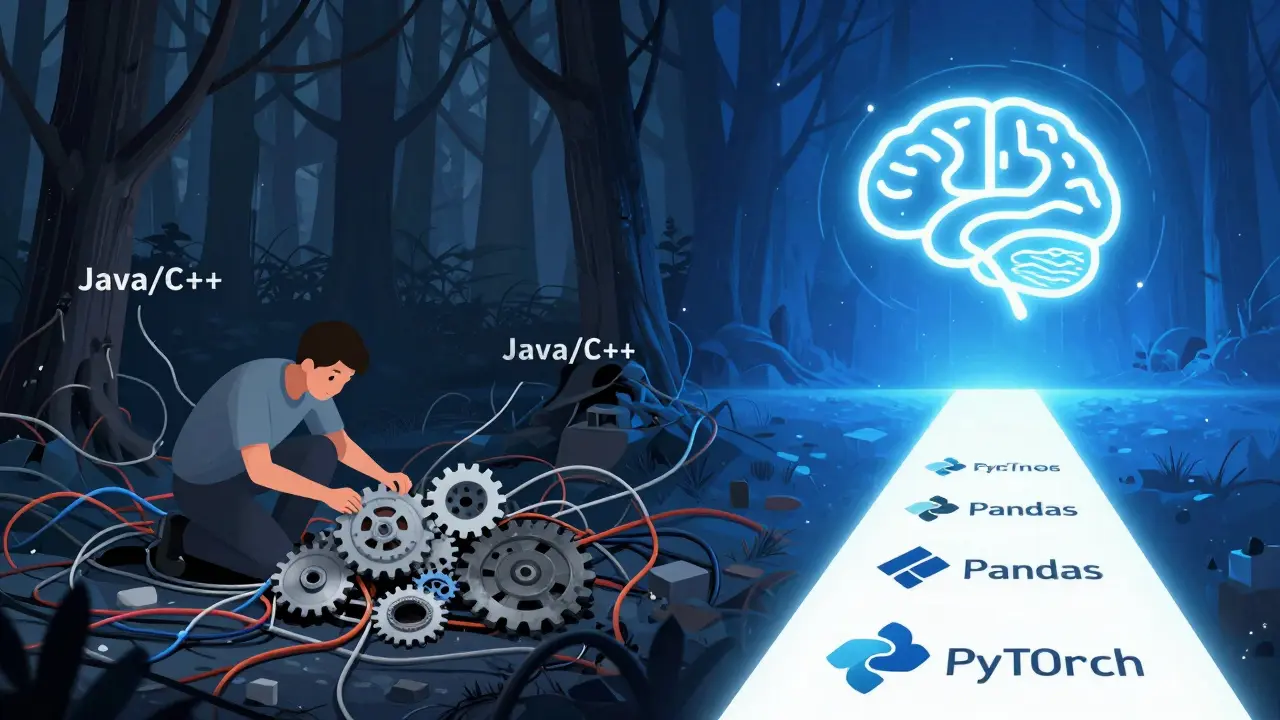
Compare that to Java or C++. You can build AI in them. But you’ll spend half your time writing boilerplate just to load data. Python lets you focus on the logic: what the model should learn, not how to allocate memory.
The Core Libraries You Can’t Ignore
Here are the three libraries every Python developer working in AI needs to know:
- scikit-learn - The go-to for traditional machine learning. It handles everything from linear regression to random forests. If you’re predicting customer churn or classifying support tickets, this is your starting point.
- PyTorch - The framework behind most cutting-edge research. It’s flexible, dynamic, and perfect for building custom neural networks. Used by OpenAI, Meta, and hundreds of startups.
- TensorFlow - The more structured alternative to PyTorch. It’s the engine behind Google’s AI products. Great for production deployments, especially when you need to scale models across devices.
Each has strengths. scikit-learn is simple and stable. PyTorch is fast and experimental. TensorFlow is robust and scalable. Most developers start with scikit-learn, then move to PyTorch when they need more control.
Real-World AI Projects You Can Build Right Now
Don’t just learn concepts-build things. Here are three projects that take less than a day to set up and teach you everything you need:
- Image classifier - Use a pre-trained model like ResNet to identify objects in photos. Train it on your own dataset-say, different types of plants or shoes. You’ll learn data preprocessing, transfer learning, and model evaluation.
- Chatbot with GPT-2 - Fine-tune a small language model to respond to customer questions. Use Hugging Face’s transformers library. It’s not a full GPT-4 replacement, but it’s enough to automate simple support tasks.
- Stock trend predictor - Use historical price data to build a time-series model. This teaches you how to handle messy real-world data, normalize features, and avoid overfitting.
These aren’t toy examples. People use versions of these in production. A small e-commerce store used an image classifier to auto-tag products. A startup automated 70% of its customer service with a fine-tuned chatbot. You don’t need a PhD to make this happen.
Data Is Everything-And Python Makes It Easy
AI models are only as good as the data you feed them. That’s where Python’s data tools shine. Pandas and NumPy are non-negotiable. Pandas lets you clean, filter, and reshape messy data in minutes. NumPy gives you the speed to crunch millions of numbers at once.
Here’s a real example: You have a CSV with 50,000 customer records. Some fields are missing. Others have typos. In Excel? You’d spend hours. In Python? Two lines of code:
import pandas as pd
data = pd.read_csv('customers.csv').dropna().replace('N/A', 'Unknown')
Then you feed it straight into scikit-learn. No exporting. No manual copying. Just code.
And when you need to visualize results? Matplotlib and Seaborn make charts in one line. You can see if your model is overfitting before you even deploy it.
Where Python Falls Short (And How to Work Around It)
Python isn’t perfect. It’s slow at raw computation. If you’re training a model with billions of parameters, you’ll need GPUs. But Python doesn’t run on GPUs directly-it delegates to libraries like CUDA through PyTorch or TensorFlow. That’s fine. You don’t need to write CUDA code.
Another issue: deployment. You can train a model in Python, but putting it into a mobile app or web service? That’s where you need to wrap it. Tools like ONNX, Flask, or FastAPI help. ONNX lets you export your model to run in C++, JavaScript, or even Java. Flask gives you a simple API endpoint. You write the model in Python. You serve it anywhere.
And yes, Python can be a memory hog. But that’s why cloud platforms like AWS SageMaker and Google Vertex AI exist. They handle scaling. You focus on the model.

What You Should Learn Next
Once you’re comfortable with the basics, here’s the next layer:
- Transformers - The architecture behind ChatGPT and Gemini. Learn how attention mechanisms work. Hugging Face has free tutorials.
- Vector databases - Used in retrieval-augmented generation (RAG). Pinecone and Weaviate let you store and search embeddings. Essential for modern AI apps.
- ML pipelines - Use MLflow or DVC to track experiments, datasets, and model versions. No more guessing which version worked best.
- Model quantization - Shrinking models for mobile or edge devices. TensorFlow Lite and ONNX Runtime make this possible.
You don’t need to master all of this at once. Pick one area. Build something. Then move on.
Start Here: A 7-Day Plan
Here’s how to get from zero to building your first AI model in a week:
- Day 1 - Install Python, Jupyter Notebook, and scikit-learn. Run your first classification on the Iris dataset.
- Day 2 - Load your own data. Clean it with Pandas. Plot it with Seaborn.
- Day 3 - Train a random forest. Measure accuracy. Understand precision vs. recall.
- Day 4 - Install PyTorch. Load a pre-trained CNN. Use it to classify your own images.
- Day 5 - Fine-tune the model on a custom dataset. Save it.
- Day 6 - Wrap it in a Flask app. Access it via a web browser.
- Day 7 - Deploy it on a free tier of Render or Hugging Face Spaces. Share the link.
That’s it. No theory. No lectures. Just building. By day seven, you’ve done what most developers spend months trying to accomplish.
Do I need a math degree to use Python for AI?
No. You need basic algebra and an understanding of how models make predictions. Libraries handle the complex math for you. Focus on data, not equations. Learn what inputs lead to what outputs. That’s more important than knowing the derivative of a sigmoid function.
Can I use Python for AI on my laptop?
Yes-for small models. Training a basic image classifier or text classifier on a modern laptop is fine. But if you’re working with large language models or high-resolution video data, you’ll need cloud GPUs. Services like Google Colab give you free access to GPUs. No hardware purchase needed.
Is Python the only language for AI?
No, but it’s the easiest. R, Julia, and even JavaScript have AI libraries. But none have the ecosystem Python has. Libraries, tutorials, pre-trained models, and community support are all centered around Python. If you’re starting out, Python gives you the fastest path to results.
How long does it take to become proficient in Python for AI?
Three months of consistent practice is enough to build and deploy real models. Spend 10-15 hours a week. Build one project per week. Don’t watch videos. Don’t read theory. Code. Break things. Fix them. Repeat. After 12 projects, you’ll be ahead of 90% of developers who claim to know AI.
Should I learn TensorFlow or PyTorch first?
Start with PyTorch. It’s more intuitive for learning. The code reads like regular Python. TensorFlow is more rigid and better for production. But if you’re learning, PyTorch helps you understand how models work under the hood. Switch to TensorFlow later when you need to deploy.