
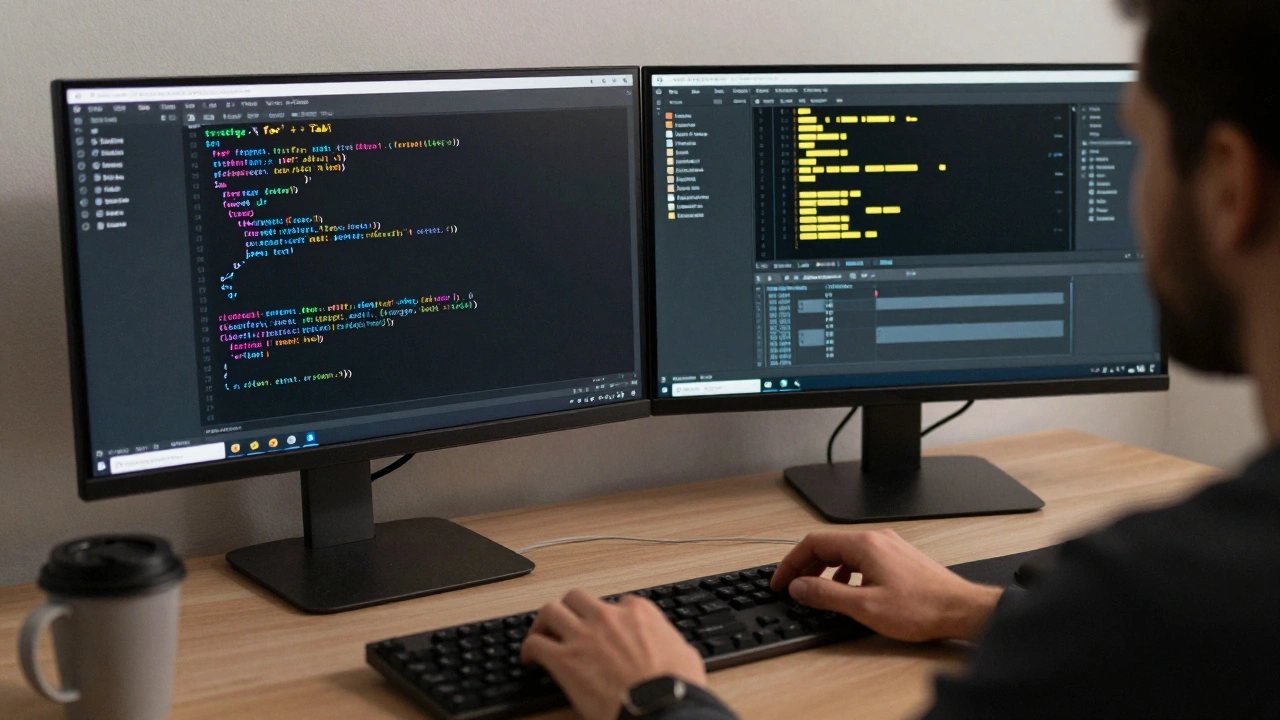
Ever stare at your screen for minutes just to type the same line of code over and over? You’re not lazy-you’re just not using the right tricks. The best programmers don’t work harder. They work smarter. And the difference isn’t some secret language or genius IQ. It’s a handful of simple, repeatable tricks that cut hours off your week.
Stop Typing What Your Editor Can Do
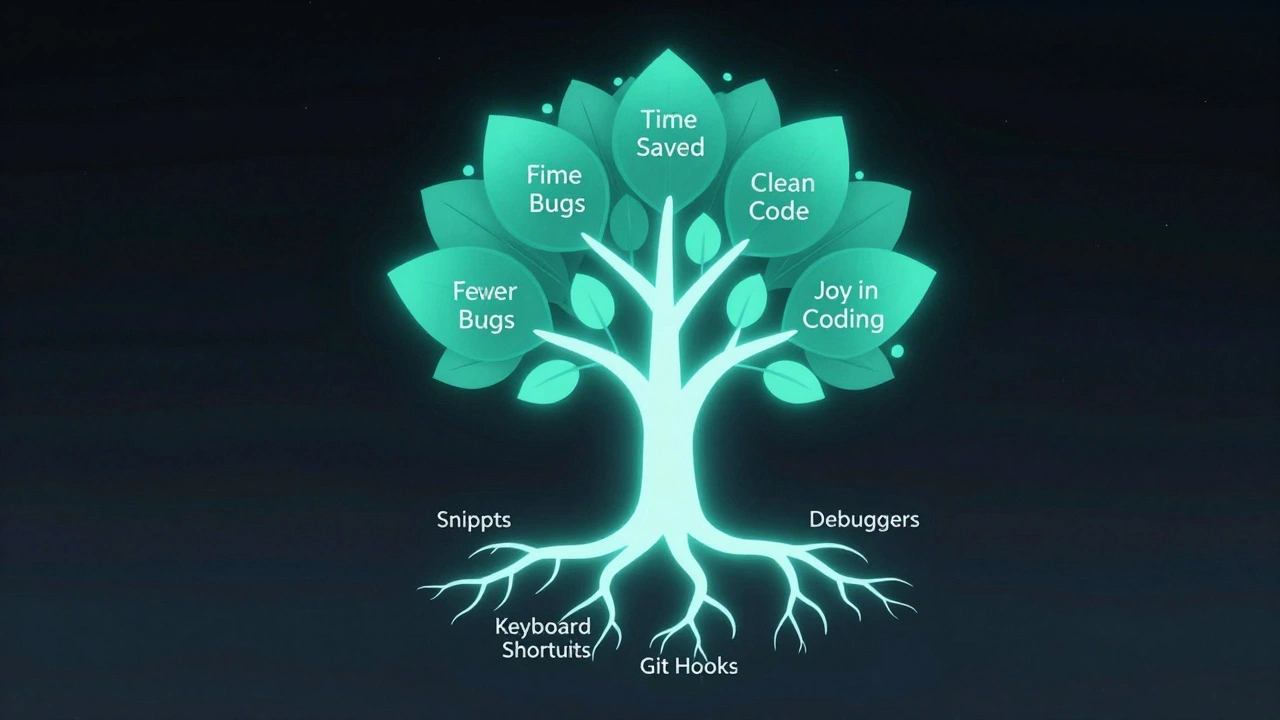
Most developers still type everything manually. That’s like using a hammer to screw in a bolt. Modern editors like VS Code, JetBrains IDEs, or even Neovim have built-in tools that do the heavy lifting. The biggest time-saver? Snippets.Snippets are tiny templates you trigger with a few keystrokes. Type for and hit Tab? Boom-you get a full for-loop with placeholders. Type con and get console.log() in JavaScript. In Python, def + Tab gives you a function skeleton with docstring. You don’t need to remember syntax. The editor remembers it for you.
Custom snippets? Even better. If you find yourself writing the same API call, error handler, or React hook over and over, turn it into a snippet. I’ve got one called fetchpost that drops in a full fetch() with error handling, loading state, and JSON parsing. I use it five times a day. Saved me 12 hours last month alone.
Use Keyboard Shortcuts Like a Pro
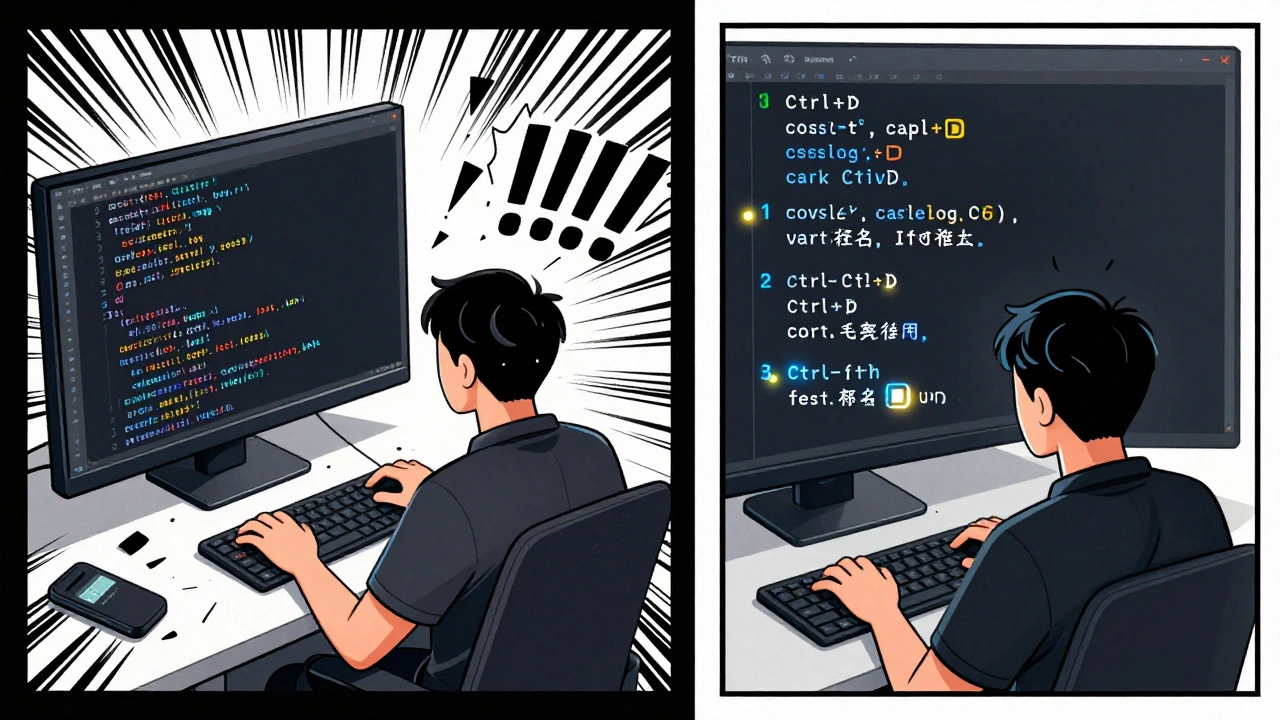
Mouse clicks are slow. Real programmers don’t reach for the mouse unless they absolutely have to. Learn these three shortcuts and you’ll instantly be faster:- Ctrl+D (Cmd+D on Mac): Select the next occurrence of the word you’re on. Need to rename five variables called
tempData? Put your cursor on one, hit Ctrl+D four times, and type the new name. Done. - Ctrl+Shift+L (Cmd+Shift+L): Select all occurrences at once. Same as above, but faster if you want to change every instance in the file.
- Alt+Up/Down: Move entire lines up or down. No copy-paste. Just highlight the line and press Alt+Up. Perfect for reordering functions or moving a block of code into a loop.
These aren’t fancy. They’re basic. But 80% of developers don’t use them. That’s your edge.
Write Less Code by Using the Right Tools
The best code is the code you never write. That’s not a joke. It’s a principle. Every line of code you write is a line you have to test, debug, and maintain. So ask yourself: Can I get this from a library?Need to format dates? Don’t write your own formatDate() function. Use date-fns or dayjs. Need to handle form validation? Reach for Zod or Yup. Need to make HTTP requests? Use axios or the built-in fetch() with a wrapper-don’t reinvent the wheel with raw XMLHttpRequests.
Here’s the rule: if it’s not your core business logic, don’t write it yourself. Libraries exist because thousands of people have already solved these problems. They’ve tested edge cases. They’ve fixed bugs. They’ve optimized performance. Use them.
And if you’re worried about bloat? Modern bundlers like Vite and Webpack strip out unused code automatically. You’re not adding weight-you’re adding reliability.
Debug Like a Detective, Not a Guessing Game
You know that feeling? You run your code, it breaks, and you start randomly addingconsole.log() everywhere? That’s not debugging. That’s chaos.
Real debugging starts with one question: What changed?
Did you update a dependency? Did you merge a branch? Did you touch that one file from last week? Find the smallest change that broke it. Then use the debugger. Not console.log(). The actual debugger in your browser or IDE.
Set a breakpoint. Step through line by line. Watch variables change in real time. You’ll spot the null value, the off-by-one error, the async race condition-before you even type a single line of new code.
And if you’re using Python? breakpoint() is your new best friend. Type it anywhere in your code. Run it. The debugger pops up. No setup. No imports. Just pure, instant insight.
Automate the Boring Stuff
How many times have you:- Manually run tests before pushing?
- Formatted your code by hand?
- Updated your README every time you added a new feature?
Stop. Automate it.
Git hooks are your secret weapon. Set up a pre-commit hook that runs Prettier, ESLint, and your unit tests before allowing a commit. If anything fails, the commit gets blocked. No more broken builds because someone forgot to run tests.
Use tools like husky and lint-staged to make this easy. They’re lightweight. They work with any project. And they save you from looking like an idiot in code reviews.
For documentation? Use tools like typedoc or Swagger to auto-generate docs from your code comments. No more writing the same thing twice. The code becomes the source of truth.
Read Code Like a Book-Not a Puzzle
You don’t need to memorize every API. You need to learn how to read code fast.Start with the function names. Good code tells you what it does. calculateTotalPrice() is clearer than sumUpItems(). validateUserEmail() is better than checkEmail(). If a function name doesn’t make sense, that’s a red flag.
Then look at the imports. What libraries is this code using? That tells you the shape of the problem. If you see lodash, it’s probably doing data manipulation. If you see zod, validation is key. If you see react-query, data fetching is central.
And don’t be afraid to jump around. Modern IDEs let you Go to Definition with one click. Click on a function name-boom-you’re in its source. No need to scroll through 20 files. You’re not reading linearly. You’re exploring.
Keep Your Environment Clean
A messy workspace slows you down. Not because it’s ugly-because it’s confusing.Unused dependencies? Delete them. Run npm ls or pip list and cross-check what you actually use. Remove anything you haven’t touched in three months.
Unused files? Delete them. That old temp.js file from last year? Gone. That test file you commented out? Gone. Your project should feel light. Fast to load. Easy to navigate.
And organize your folders like a library, not a junk drawer. Group by feature, not by type. Don’t have a components/ folder with 200 files. Have a user/ folder with Profile.jsx, AuthForm.jsx, and useUser.js all together. When you need to change something about the user system, you open one folder. Done.
Learn One New Trick Every Week
The magic isn’t in one big hack. It’s in the small, consistent upgrades. Pick one trick a week. Try it. Make it part of your routine.Week 1: Master Ctrl+D.
Week 2: Set up a custom snippet.
Week 3: Use the debugger instead of console.log.
Week 4: Add a pre-commit hook.
After six months? You’ll be 30% faster. You’ll make fewer mistakes. You’ll enjoy coding more. Because you’re not fighting your tools anymore. You’re working with them.
Programming isn’t about writing more code. It’s about writing less-of the right kind. The rest? Let the machines handle it.
Are programming tricks just for experienced developers?
No. The best tricks work for everyone-even beginners. Snippets, keyboard shortcuts, and debugging tools help you avoid common mistakes and save time from day one. You don’t need to be an expert to use them. You just need to start using them.
Do these tricks work with any programming language?
Most of them do. Snippets, keyboard shortcuts, and debugging tools are built into modern editors like VS Code and work across JavaScript, Python, Java, C#, and more. The exact shortcuts might vary, but the principles are universal. Even if you switch languages, your habits stay useful.
Can I really save hours with these tricks?
Yes. One developer I know cut their daily coding time from 6 hours to 4 by using snippets and keyboard shortcuts alone. Another saved 15 hours a month by automating tests with Git hooks. These aren’t theoretical gains-they’re real, measurable time saved.
Is using libraries cheating?
No. Writing everything from scratch is called reinventing the wheel-and it’s a waste of time. Libraries are built by teams who’ve spent years fixing edge cases you didn’t even know existed. Using them lets you focus on what makes your project unique. That’s smart engineering, not cheating.
What’s the one trick I should learn first?
Start with Ctrl+D (or Cmd+D). It’s the fastest way to rename variables, update repeated text, or fix typos across a file. It takes 30 seconds to learn and saves you minutes every day. Once you use it, you won’t go back.