

Most developers think coding faster means typing more. It doesn’t. I’ve seen engineers who type 120 words per minute still take three days to fix a bug that someone else solves in an hour. The real difference isn’t speed-it’s flow.
Stop Coding. Start Thinking.
The fastest programmers aren’t the ones who race through keystrokes. They’re the ones who pause. They stare at the screen. They walk away. They sketch on napkins. Why? Because writing code is a thinking job, not a typing job.
A 2023 study from the University of Cambridge tracked 200 professional developers over six months. Those who spent at least 30% of their time thinking before coding-mapping out logic, sketching data flows, writing pseudocode-completed tasks 40% faster than those who jumped straight into the editor. The ones who typed first? They spent more time debugging, refactoring, and redoing work.
Think of it like driving. Slamming the gas won’t get you there faster if you’re headed the wrong way. You need to know your destination before you turn the key.
Master Your Tools, Not Just the Language
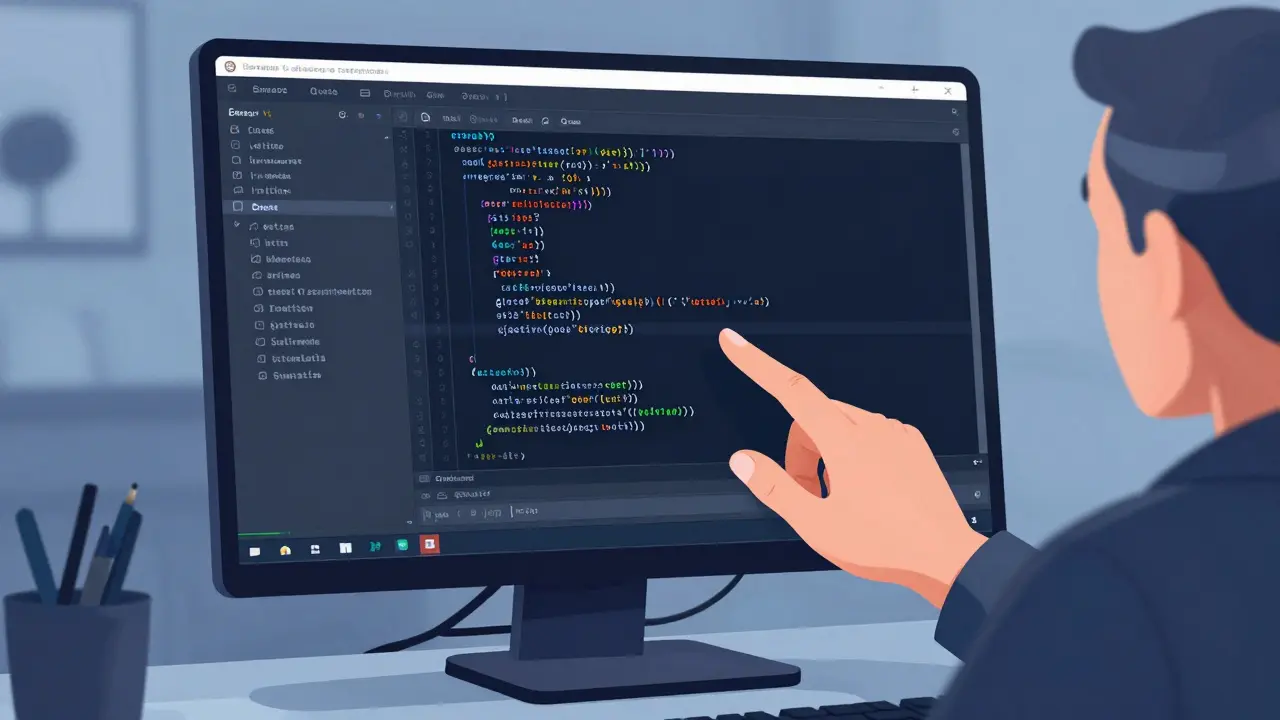
You don’t need to learn five new frameworks to code faster. You need to know your editor like your own hands.
Take VS Code. Most devs use it like a fancy notepad. But if you know how to use multi-cursor editing, snippet expansions, or keyboard shortcuts for refactoring, you can rewrite a function in seconds instead of minutes. I once watched a senior dev rename a variable across 87 files in 12 seconds. He didn’t use find-and-replace. He used Ctrl+Shift+L to select all instances, then typed the new name. One move. Done.
Same goes for terminal shortcuts. Typing git status, then git add ., then git commit -m "fix bug" every time? That’s slow. Set up aliases. Make gs = git status, ga = git add ., gc = git commit -m. Now you’re typing three letters instead of 30. That’s 10 minutes saved a day. 50 hours a year.
And don’t ignore your debugger. Setting breakpoints, inspecting variables live, stepping through code-this beats print statements every time. I’ve seen junior devs spend hours adding console.logs. Senior devs? They hit F9, watch the call stack, and fix it in two minutes.
Build a Library, Not Just Code
The most productive developers don’t start from scratch. They start from what they’ve already built.
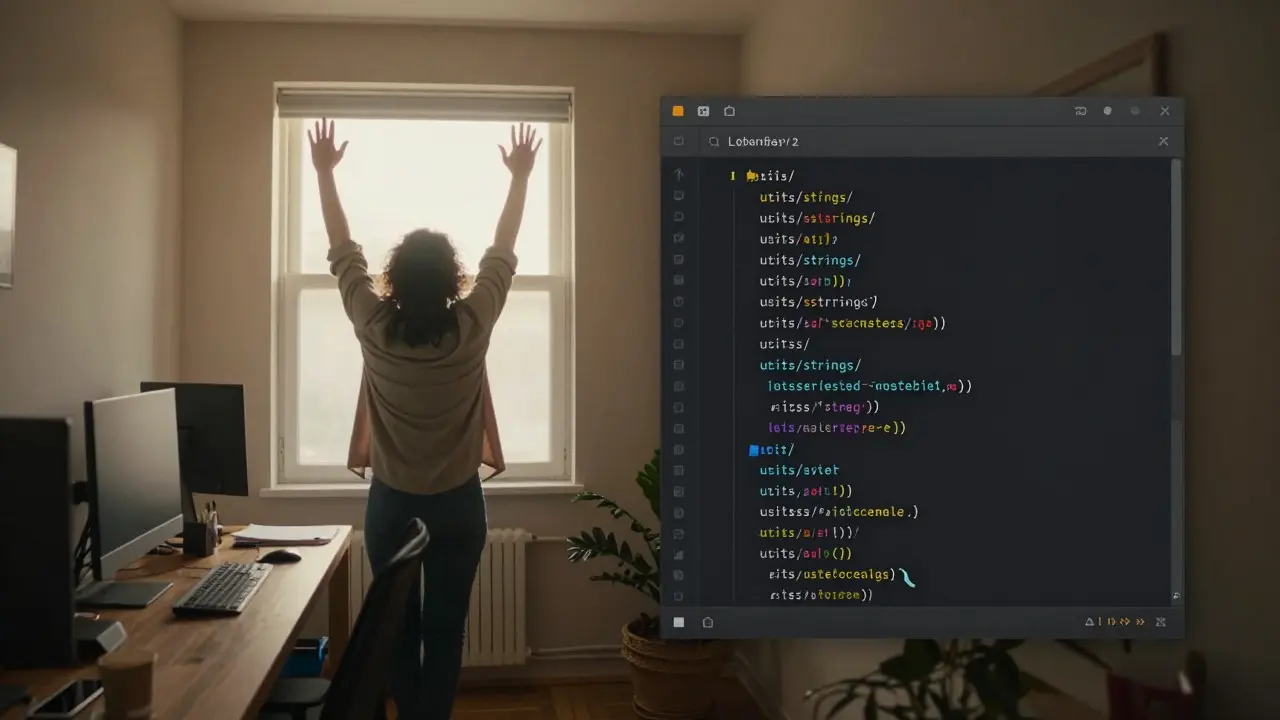
Every time you write a useful function, a reusable component, or even a script that automates a boring task-save it. Put it in a personal library. Name it well. Document it. Don’t just dump it in a folder called "useful-stuff." Create a utils/ folder with clear structure: utils/strings/, utils/arrays/, utils/api/.
Two years ago, I built a small function that formats timestamps for our internal logs. I saved it. Last month, I needed the same thing in a new project. I copied it. Done. No rethinking. No testing. No debugging. That’s 45 minutes saved. And I’ve done that exact thing 17 times since then.
Companies like Google and Microsoft have internal code libraries so massive they’re practically ecosystems. You don’t need that scale. Just start small. One reusable piece a week. In a year, you’ll have 52 shortcuts that cut your work in half.
Work With Your Brain, Not Against It
Your brain isn’t a CPU. It doesn’t run at full speed all day. It needs rest. It needs rhythm.
The Pomodoro Technique isn’t just for students. It’s a survival tool for developers. Work for 25 minutes. Walk away. Stretch. Look out the window. Do nothing. Then repeat. After four cycles, take a 30-minute break.
Why does this work? Because your brain needs time to process. When you’re stuck on a bug, stepping away doesn’t mean you’re wasting time. It means your subconscious is still working. You’ll often come back with the solution already formed.
And sleep matters. A 2024 study from Stanford found developers who slept less than 6 hours a night made 30% more errors and took 50% longer to solve problems than those who slept 7-8 hours. You think coding faster means pulling all-nighters? It’s the opposite. Rest is your secret weapon.
Learn to Say No-And When to Delegate
The biggest time sink for most devs? Taking on too much.
You get asked to add a feature that’s not in the scope. You’re told, "It’s just a small change." It’s never just a small change. It’s a new API call, a UI update, a test suite rewrite, and a QA cycle. And it derails your entire day.
Learn to say: "I can do this, but it’ll push back X and Y. Which one should we deprioritize?" That forces clarity. It stops you from becoming the team’s human Swiss Army knife.
And delegate. If someone else can do it-let them. Even if they’re slower. Your job isn’t to write every line of code. It’s to ship the product. That means trusting others, reviewing code, and focusing on the hard parts only you can solve.
Track What Actually Matters
Don’t measure how many lines you wrote. Don’t track how many commits you made. Those numbers lie.
Measure instead:
- How many tasks you completed this week
- How many hours you spent in flow state (not distracted)
- How many bugs you prevented by writing tests
- How much time you saved by reusing code
I keep a simple log: Monday: fixed auth bug (1.5 hrs), reused email helper (saved 45 min), reviewed PRs (1 hr). That’s it. No fluff. At the end of the week, I look back and ask: Did I move the needle? Or did I just stay busy?
Speed Comes From Clarity, Not Chaos
Programming faster isn’t about typing faster. It’s about thinking clearer. It’s about using tools well. It’s about reusing what you’ve built. It’s about resting enough to stay sharp.
The developers who win aren’t the ones who code the most hours. They’re the ones who code the least-while delivering the most.
Start tomorrow by doing one thing differently: before you open your editor, spend five minutes writing down what you’re trying to build. Not in code. In plain English. Then, and only then, start typing.
You’ll be surprised how much faster you go.
Is typing faster really helpful for programming?
Typing speed matters less than you think. A developer who types 80 WPM but spends hours debugging bad logic will be slower than someone who types 50 WPM but writes clean, thoughtful code the first time. Focus on clarity, not keystrokes.
What’s the best way to reuse code without creating technical debt?
Reuse code by organizing it into small, well-named, and well-tested modules. Avoid copying entire files. Instead, extract functions or components with clear inputs and outputs. Document their purpose. If a piece of code is used in more than two projects, it’s worth packaging as a reusable library-even if it’s just a local npm module or Python script.
Should I use AI tools like GitHub Copilot to code faster?
Yes-but only as a co-pilot, not a driver. AI can generate boilerplate, suggest function names, or fill in repetitive code. But it can’t replace your understanding of the system. Always review what it generates. Never accept code you don’t understand. Used right, AI cuts setup time. Used wrong, it creates hidden bugs.
How do I stop getting distracted while coding?
Turn off notifications. Use apps like Focus To-Do or Freedom to block distractions. Work in 25-minute blocks with no interruptions. If you’re in the middle of a flow state, don’t check Slack or email. Schedule specific times for communication. Most urgent messages can wait 30 minutes.
Why do I feel slower after switching languages or frameworks?
Because you’re relearning not just syntax, but patterns. Every language has its own "feel"-how you structure loops, handle errors, organize files. Give yourself 2-4 weeks to adjust. Track your progress weekly. You’ll regain your speed faster than you think.