
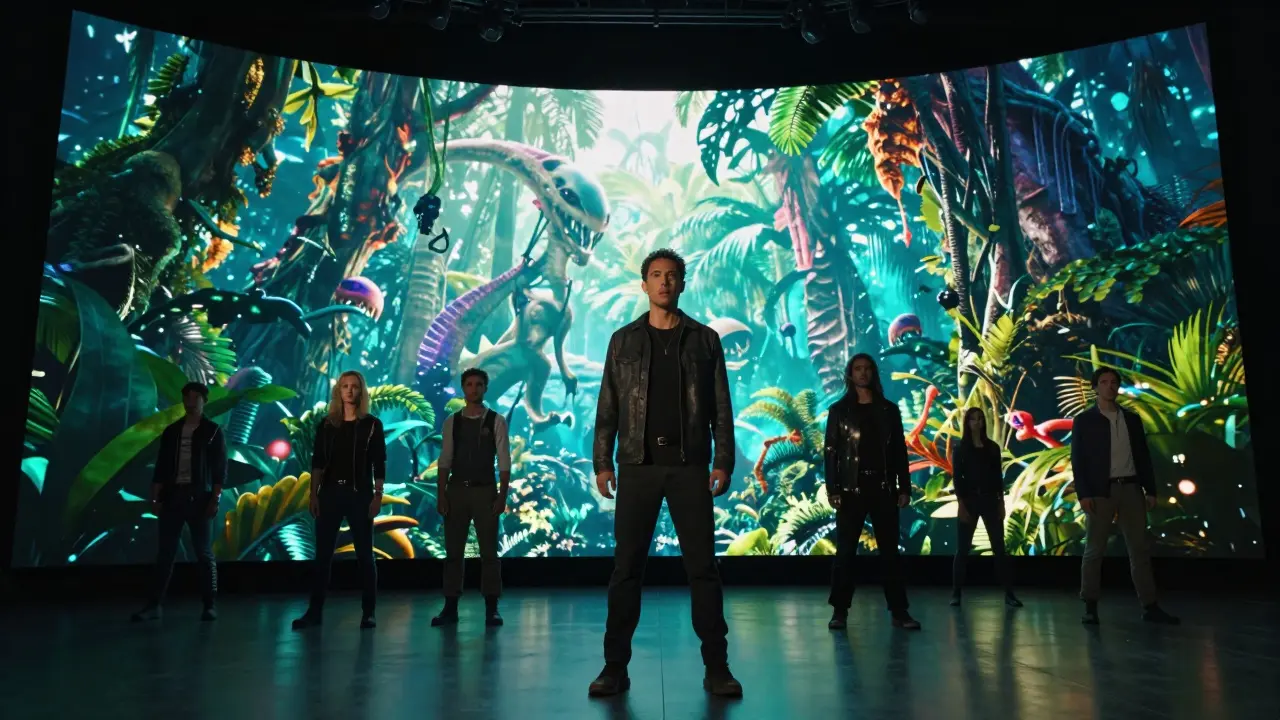
The New Darkroom: Generative AI in Photography
For decades, we thought of photography as the act of capturing a moment in time. Now, we're shifting toward "prompting" a moment. Generative AI is a branch of artificial intelligence capable of creating new content, such as images or text, by learning patterns from existing data. In photography, this has evolved beyond simple image generation. We're seeing a move toward hybrid workflows where a photographer shoots a base image and then uses AI to modify lighting, weather, or even the focal length after the fact.
Take a look at how tools like Adobe Firefly is a family of creative generative AI models integrated into Adobe software for commercially safe image generation and editing . Instead of spending four hours in Photoshop cloning out a distracting power line or adjusting the sky, a creator can now describe the change in plain English. The AI understands the geometry of the scene, the light source, and the texture of the surroundings, making the edit feel natural rather than pasted on. This doesn't replace the eye of the photographer; it just removes the tedious manual labor that used to kill the creative flow.
| Feature | Traditional Workflow | AI-Enhanced Workflow |
|---|---|---|
| Background Removal | Manual masking / Pen tool | One-click semantic segmentation |
| Lighting Adjustment | Reflectors or complex grading | AI Relighting (Neural light maps) |
| Image Upscaling | Bilinear interpolation (blurry) | Generative Fill/Upscaling (adds detail) |
| Retouching | Manual skin smoothing/spotting | AI-driven texture preservation |
The Cinema Revolution: From Scripts to Screens
Filmmaking is where the most dramatic shifts are happening. The most significant leap is the move from static backgrounds to Neural Rendering is a technique that uses neural networks to generate photorealistic images from 2D or 3D data, often replacing traditional rasterization . This allows directors to change the time of day or the location of a scene without moving a single piece of equipment. If a scene feels too dark, you don't have to reset the lights; you tell the AI to simulate a golden hour glow, and it calculates how that light would bounce off the actor's skin and the floor.
Then there's the world of Synthetic Media is media that is fully or partially generated by AI, including deepfakes, AI voices, and virtual humans . While the word "deepfake" often brings up negative connotations, in a professional context, it's a powerhouse for production. Need to fix a line of dialogue that was messed up during filming? Instead of an expensive reshoot, AI can now synchronize the actor's lip movements to a new audio track with startling accuracy. This is drastically reducing the cost of post-production and allowing indie filmmakers to achieve "big studio" looks on a fraction of the budget.
One of the coolest applications is the use of Large Language Models is AI systems trained on vast amounts of text to understand and generate human-like language for pre-visualization. Directors are now using AI to generate storyboards in seconds. Instead of sketching rough frames, they input a description of the shot, and the AI provides a visual reference for the composition, lighting, and camera angle. This bridges the gap between the director's vision and the cinematographer's execution.
The New Toolkit: AI in Post-Production
If the production phase is the heart, post-production is where the AI magic really happens. The manual process of "logging" footage-going through hundreds of hours of raw clips to find that one perfect shot-is disappearing. AI can now tag footage by emotion, object, or action. You can search your library for "actor looking sad in the rain," and the system will pull every single clip that fits that description across different days of shooting.
Editing has also become more intuitive. Tools are emerging that can automatically cut a scene based on the rhythm of the music or the emotional arc of the performances. For example, AI-driven color grading can analyze a reference image from a famous movie and automatically apply those same color properties to your raw footage, maintaining a consistent mood across an entire project without requiring a master colorist for every single shot.
We also have to talk about sound. AI Audio Restoration is the process of using neural networks to remove noise and reconstruct lost frequencies in audio recordings . If you recorded a great take but there was a siren in the background, AI can now isolate the human voice and surgically remove the noise without making the audio sound "tinny" or robotic. This saves countless scenes from being scrapped due to poor location audio.
Ethical Crossroads and the Human Element
With all this power comes a fair amount of anxiety. If an AI can generate a photorealistic landscape or a perfect human face, what happens to the professional photographer or the concept artist? The reality is that the value is shifting from the execution to the idea. The skill isn't just knowing how to use a camera anymore; it's knowing how to direct the AI to get the exact emotion and composition you want.
There's also the massive issue of ownership. Who owns a photo that was 50% captured by a lens and 50% generated by an AI model? This is a legal grey area that is currently being fought out in courts. For now, the industry is moving toward a "provenance" model, where metadata tracks exactly what parts of an image were AI-generated. Transparency is becoming the new currency for trust in visual media.
But let's be real: AI can't feel. It doesn't know why a certain shadow evokes sadness or why a specific camera shake feels like panic. It only knows patterns. The human director is still the one who decides why a shot matters. AI is the most powerful brush we've ever had, but it still needs a painter to tell it where to go.
Practical Steps for Creators Today
If you're feeling overwhelmed by the pace of change, the best approach is to integrate these tools slowly into your existing workflow. Don't try to automate your entire project; instead, look for the "friction points." Is it the tedious masking in Photoshop? The endless scrubbing through raw footage? Start there.
- Experiment with Hybrid Workflows: Use traditional photography for the core subject and AI for the environmental atmospheric effects.
- Use AI for Prototyping: Generate AI storyboards to communicate your vision to your team before you spend a cent on production.
- Focus on Curation: Shift your energy from the manual act of creation to the act of selecting and refining the best AI outputs.
- Learn Prompt Engineering: Understand how to talk to these models to get specific results regarding lighting, lens type (e.g., 35mm vs 85mm), and color science.
Will AI completely replace photographers and filmmakers?
No, but it will replace those who refuse to use it. AI handles the technical execution-masking, lighting, and noise reduction-but it cannot replicate human intent, emotional nuance, or the ability to lead a crew on a physical set. The role of the creator is shifting from "operator" to "curator" and "director."
Is AI-generated art considered "real" photography?
This is a subject of intense debate. Purists argue that photography requires light hitting a sensor. However, the industry is moving toward a definition of "visual art" that encompasses both captured and generated imagery. The key is disclosure; labeling AI-enhanced work as such is becoming the professional standard.
What is the best way to start using AI in a movie production?
Start with pre-visualization. Use generative AI to create mood boards and storyboards. It's a low-risk way to see how AI can help you visualize your project before moving into the more complex stages like neural rendering or AI-driven editing.
How does neural rendering differ from traditional CGI?
Traditional CGI relies on manually building 3D models and calculating how light hits them (ray tracing). Neural rendering uses AI to "predict" what the image should look like based on existing data, which often results in a more photorealistic look with significantly less manual labor and rendering time.
Can AI help with color grading?
Absolutely. AI can analyze the color palette of a reference image or movie and apply those specific tones and contrasts to your footage. It can also automatically balance skin tones across different lighting conditions, ensuring a consistent look throughout a film.
Next Steps for Your Creative Journey
Depending on where you are in your career, your next move will differ. If you're a freelance photographer, focus on tools that speed up your delivery time-AI retouching and generative fill are your best friends here. If you're an aspiring director, dive into AI-assisted storyboarding and pre-vis tools to make your pitches more compelling.
For the tech-curious, start exploring open-source models that allow you to train AI on your own specific style. This ensures that the AI doesn't just give you a "generic" look, but actually learns your unique approach to color and composition. The future isn't about AI taking over; it's about the symbiotic relationship between human creativity and machine efficiency.