

You write the code. It looks perfect. You hit run. And then... nothing happens. Or worse, it crashes immediately. This is the universal rite of passage for every developer. We spend a lot of time writing code, but we spend even more time figuring out why it doesn't work as expected. That process is code debugging. It’s not just about finding errors; it’s about understanding your own logic, your system's behavior, and the unexpected ways users interact with your software.
Many people think debugging is a dirty job-a sign that you messed up. In reality, it’s one of the most critical parts of software development. According to various industry estimates, developers spend between 30% and 50% of their time debugging. If you treat debugging as a chore, you’ll hate your job. If you treat it as a detective game, you’ll become a better engineer. Let’s look at how to master this skill, the tools you need, and the mindset shifts that make all the difference.
What Is Code Debugging Really?
At its core, debugging is the process of identifying, isolating, and resolving defects or problems within a computer program that prevent correct operation. But that definition is dry. Think of it like fixing a leaky pipe. You don’t just spray water everywhere until it stops leaking. You trace the line, check the joints, listen for hisses, and find the exact point of failure. Then you fix it. Finally, you test it again to make sure it holds pressure.
In programming, these "leaks" are called bugs. They can be syntax errors (typos that stop the code from running), logical errors (the code runs but gives the wrong answer), or runtime errors (crashes that happen under specific conditions). Understanding the type of bug you’re facing dictates your strategy. A syntax error is easy; your compiler will scream at you. A logical error is silent and dangerous because it lets you believe everything is fine while quietly corrupting data.
The Psychology of Debugging: Why It Feels Hard
Why is debugging so frustrating? Partly because of cognitive bias. When you write code, you know what you *intended* to do. When you read it back later, you often see what you *meant* to write, not what is actually on the screen. Your brain fills in the gaps. This is why fresh eyes are valuable. A colleague might spot a missing semicolon in seconds that you’ve stared at for an hour.
There’s also the issue of complexity. Modern applications aren’t simple scripts. They involve databases, APIs, cloud services, and third-party libraries. A bug might not be in your code at all-it could be a network timeout, a database lock, or a misconfigured environment variable. Debugging requires you to zoom out from the single line of code to the entire system architecture.
The Scientific Method for Bug Hunting
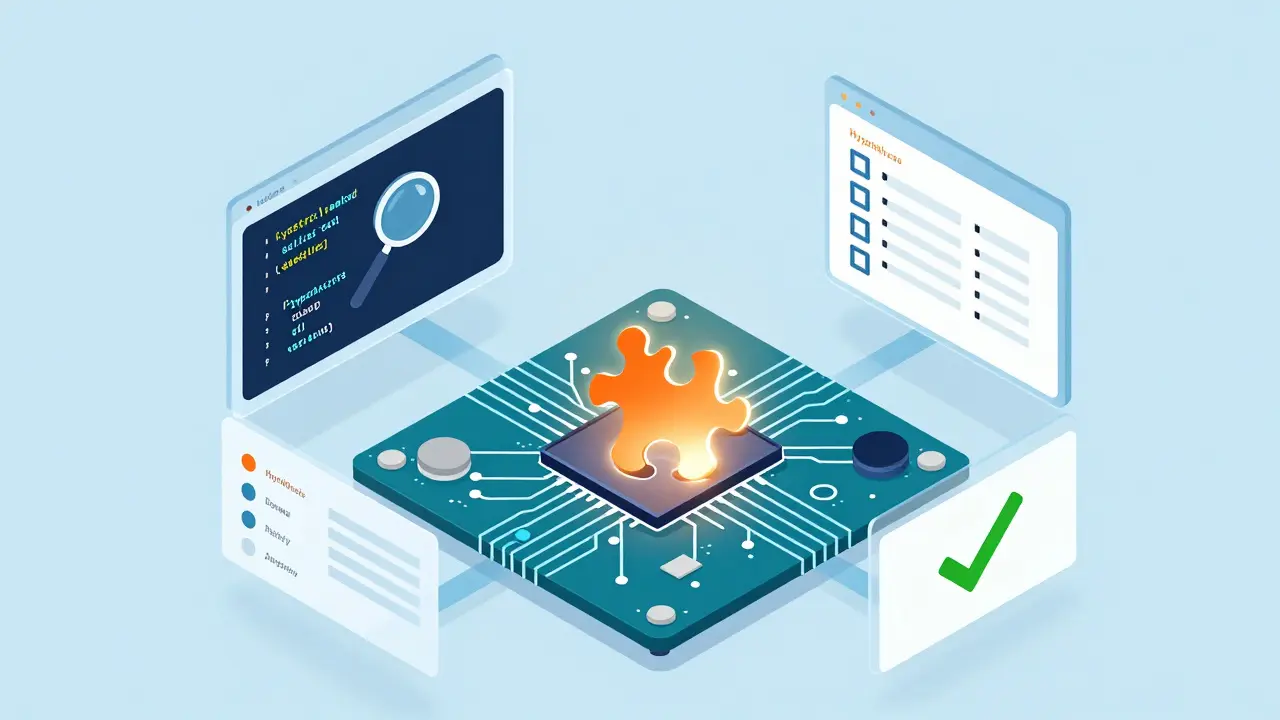
Effective debugging isn’t random guessing. It’s a systematic process. Here is a reliable workflow that works across almost any language or framework:
- Reproduce the Issue: If you can’t reliably make the bug happen, you can’t fix it. Create a minimal, reproducible example. Strip away unrelated code until only the problem remains.
- Isolate the Scope: Where does the bug appear? Is it in the frontend, backend, or database? Use binary search techniques. Comment out half the code. Does the bug persist? If yes, the bug is in the remaining half. If no, it’s in the commented-out section. Repeat until narrowed down.
- Formulate a Hypothesis: Based on the symptoms, guess what’s going wrong. "I think the variable is null here." "I suspect the API response format changed."
- Test the Hypothesis: Use logs, breakpoints, or print statements to verify your guess. Did you get the data you expected?
- Implement a Fix: Make the smallest possible change to resolve the issue. Don’t refactor the whole module unless necessary.
- Verify and Test: Run your tests. Check if the fix introduces new bugs elsewhere (regression).
This method turns chaos into order. Instead of flailing, you’re conducting an experiment.
Essential Debugging Tools Every Developer Needs
You wouldn’t fix a car with just a hammer. Similarly, you shouldn’t debug code with just `print()` statements. While logging is useful, modern Integrated Development Environments (IDEs) offer powerful tools.
| Tool/Method | Best For | Pros | Cons |
|---|---|---|---|
| Breakpoints | Complex logic flows | Pause execution, inspect variables in real-time | Can slow down performance testing |
| Logging | Production environments | No interaction needed, historical record | Noisy, hard to parse if overused |
| Unit Tests | Catching regressions | Automated, repeatable, fast feedback | Requires upfront effort to write |
| Stack Traces | Runtime crashes | Pinpoints exact line of failure | Can be cryptic without context |
Breakpoints are markers set in code that pause execution when reached. Most IDEs like VS Code, IntelliJ, or PyCharm support them. You can set conditional breakpoints-only pause if `userAge > 18`. This saves hours of stepping through irrelevant loops.
Logging should be structured. Instead of `console.log("error")`, use JSON-formatted logs with timestamps, severity levels, and context IDs. Tools like ELK Stack (Elasticsearch, Logstash, Kibana) or Datadog help analyze these logs at scale.
Common Pitfalls and How to Avoid Them
Even experienced developers fall into traps. Here are the most common ones:
- Fixing the Symptom, Not the Cause: You add a `try-catch` block to hide an error instead of fixing why it occurred. This leads to silent failures and harder-to-debug issues later.
- Over-Reliance on Memory: Assuming you remember how a function works. Read the documentation or source code. Libraries update. Behavior changes.
- Ignoring Edge Cases: Testing with happy-path data only. What happens if the input is empty? Null? Extremely large? Unicode characters? These edge cases break systems.
- Debugging in Production Only: Waiting until users report the bug. Implement staging environments that mirror production closely. Catch issues before they reach customers.

Debugging in Different Contexts
The approach changes slightly depending on where you are in the stack.
Frontend Debugging: Browser DevTools are your best friend. The Elements tab helps inspect DOM changes. The Network tab shows API calls, headers, and payloads. The Console tab catches JavaScript errors. Performance profiling helps identify memory leaks or slow rendering.
Backend Debugging: Server-side debugging often involves logs and database queries. Use query profilers to see if SQL queries are slow. Check server metrics (CPU, RAM) to rule out resource exhaustion. Remote debugging allows attaching a debugger to a running server process.
Database Debugging: Slow queries are a major source of bugs. Use EXPLAIN plans to understand how the database executes a query. Check indexes. Ensure transactions are handled correctly to avoid deadlocks.
Preventing Bugs Before They Happen
The best bug is the one that never gets written. How do you achieve that?
Type Checking: Use static type checkers like TypeScript, MyPy (Python), or Rust’s compiler. They catch many errors before you even run the code. Type mismatches are a huge source of runtime bugs.
Code Reviews: Have another developer read your code. They bring a different perspective and catch assumptions you missed. Make code reviews a collaborative learning opportunity, not a critique session.
Automated Testing: Write unit tests for critical logic. Integration tests for API interactions. End-to-end tests for user flows. If you have good test coverage, refactoring becomes safe because tests will alert you if something breaks.
Static Analysis Tools: Linters like ESLint, Pylint, or SonarQube scan your code for potential issues, style violations, and security vulnerabilities automatically.
When to Ask for Help
Stuck for more than an hour? Step away. Go for a walk. Drink water. Your brain needs to reset. When you return, explain the problem to a rubber duck (yes, really). Articulating the problem out loud often reveals the solution. If still stuck, ask a colleague. Provide them with the reproduction steps, expected vs. actual behavior, and what you’ve already tried. This respect for their time increases the chance of getting helpful advice.
How much time should I spend debugging before asking for help?
A good rule of thumb is the "one-hour rule." If you haven't made progress after an hour of focused effort, take a break. If you're still stuck after returning, ask for help. Spending days on a single bug is inefficient and blocks team progress.
Is it better to use print statements or a debugger?
For quick checks, print statements are fine. For complex logic, interactive debuggers with breakpoints are superior because they allow you to inspect state dynamically without modifying code. However, in production environments where you can't attach a debugger, structured logging is essential.
How do I debug a bug that only happens in production?
Ensure your logging captures enough context (user ID, request parameters, timestamps). Replicate the production environment locally as closely as possible. Use feature flags to isolate the issue. Sometimes, enabling verbose logging temporarily in production (with caution) can reveal clues.
What is the most common cause of bugs?
Misunderstanding requirements or assumptions about data states. Developers often assume data is clean, formatted correctly, or present when it isn't. Validating inputs and handling edge cases explicitly reduces this class of bugs significantly.
Can AI tools replace manual debugging?
AI assistants can suggest fixes and explain errors, but they cannot fully replace human intuition and context-awareness. They are great for boilerplate issues but may struggle with complex architectural problems or subtle logical flaws. Use them as a pair programmer, not a replacement.