
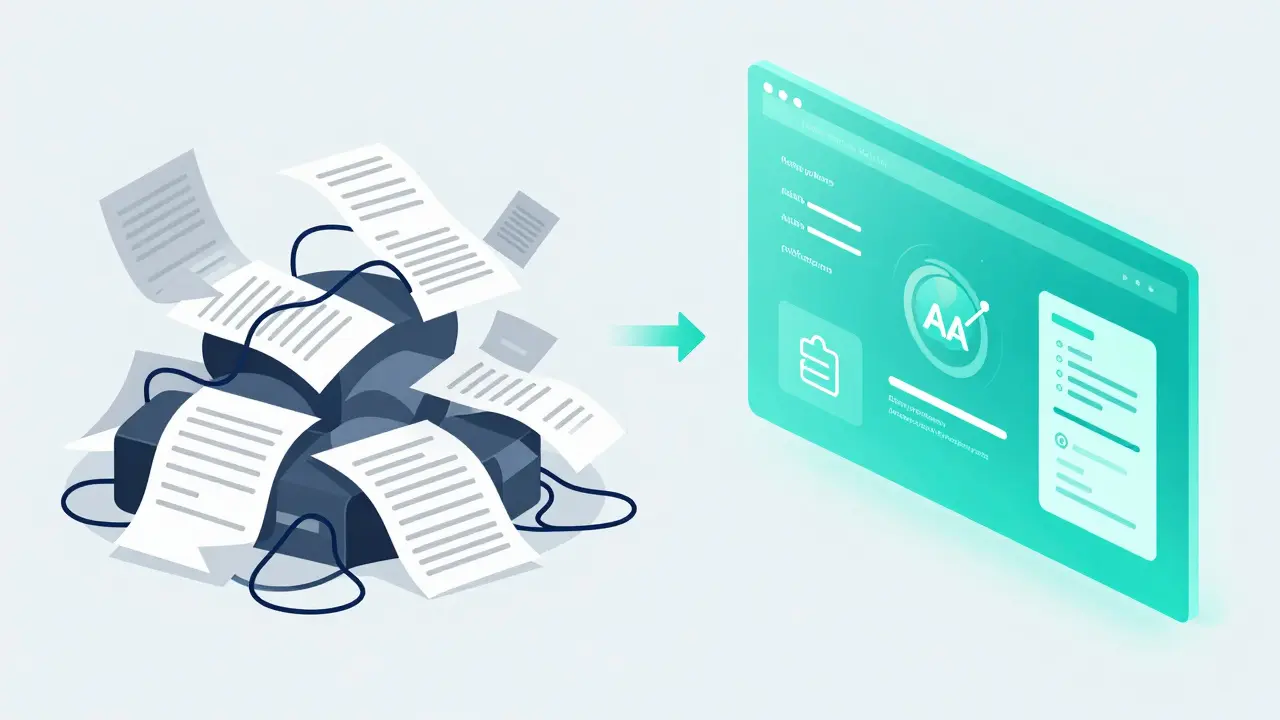
You’ve probably heard the hype. Every other tech blog tells you Artificial Intelligence is going to save your company or destroy it. The reality? It’s neither. It’s a tool. And like any powerful tool-say, a spreadsheet program in the 90s or cloud computing in the 2010s-it only works if you know how to use it.
In 2026, Generative AI is technology that creates new content, code, or data based on patterns learned from vast datasets is no longer a novelty. It’s expected. But most businesses are still using it wrong. They treat it like a magic button instead of a strategic lever. If you want to actually move the needle on efficiency, customer satisfaction, or revenue, you need to stop guessing and start implementing with precision.
Start With Boring Problems, Not Shiny Ones
The biggest mistake I see companies make is trying to use AI for something flashy. They want an AI chatbot that writes poetry for their brand voice. Cute. Useless. Instead, look at the boring stuff. Look at the tasks that drain your team’s energy but don’t require high-level creativity.
Process Automation is the use of technology to execute recurring tasks where defined actions occur when specific conditions are met is where the real ROI lives. Think about invoice processing. How many hours does your accounting team spend manually entering data from PDFs into your ERP system? Now imagine an AI agent that reads the PDF, extracts the line items, checks them against the purchase order, and flags discrepancies for human review. That’s not sci-fi; that’s Tuesday morning in 2026.
- Identify tasks that take more than two hours a week per employee.
- Look for tasks with clear rules (if X, then Y).
- Prioritize tasks that involve unstructured data (emails, documents) because AI excels at organizing chaos.
When you automate the boring stuff, you free up your humans to do what they’re actually good at: solving complex problems and building relationships.
Don't Buy a Black Box, Build a Workflow
There’s a temptation to buy an all-in-one AI platform that promises to "do everything." Resist it. These platforms are often bloated, expensive, and hard to customize. Instead, think of AI as a component in a larger workflow.
Consider Retrieval-Augmented Generation (RAG) is a technique that combines large language models with external knowledge bases to provide accurate, context-specific answers. This is crucial for customer support. You don’t want your AI hallucinating facts about your product warranty. You want it to pull directly from your updated knowledge base. By connecting a standard LLM to your internal documentation via RAG, you create a support agent that knows your specific policies, not just general internet knowledge.
Build modularly. Use an AI API for text summarization. Use another for sentiment analysis on customer feedback. Connect them with simple scripts or low-code tools like Zapier or Make. This approach is cheaper, more maintainable, and lets you swap out components as technology evolves.
Data Hygiene Is Non-Negotiable
Here’s the hard truth: AI is only as good as the data you feed it. If your CRM is a mess of duplicate entries, missing fields, and outdated contacts, your AI will be a mess too. This is called "garbage in, garbage out," and it’s the number one reason AI projects fail.
Before you deploy any AI model, audit your data. Are your customer records consistent? Is your product catalog structured logically? Do you have clean historical sales data? If not, fix that first. It might feel like administrative drudgery, but it’s the foundation of everything else.
Clean data allows for better predictive analytics. For example, if you want to use AI to forecast inventory needs, the model needs accurate historical sales data, seasonality trends, and lead times. If those numbers are wrong, the AI will tell you to stock too much or too little, costing you money. Spend time cleaning your data now, or pay for it later in lost opportunities.

Human-in-the-Loop Is Still King
Despite what some headlines say, AI isn’t replacing your employees. It’s augmenting them. The most successful implementations keep humans in the loop, especially for high-stakes decisions.
Take hiring, for instance. You can use AI to screen resumes and rank candidates based on skills match. That’s great for reducing bias and saving time. But don’t let the AI make the final hire. Have your HR team review the top candidates. Ask them why the AI ranked someone highly. Did it miss a key soft skill? Did it overvalue a specific keyword? This feedback loop improves the model and ensures human judgment remains central.
This applies to content creation too. AI can draft a blog post in seconds. But does it sound like your brand? Does it resonate with your audience? A human editor must refine the tone, add personal anecdotes, and ensure accuracy. The AI handles the heavy lifting of structure and grammar; the human provides the soul and strategy.
Measure What Matters, Not Just Speed
It’s easy to measure how fast AI does something. "The AI wrote this email in 3 seconds!" Cool. But speed isn’t the goal. Impact is. You need to define KPIs that matter to your business outcomes.
| Metric | What It Measures | Why It Matters |
|---|---|---|
| Customer Satisfaction Score (CSAT) | How happy customers are after interacting with AI-driven services. | Shows if AI is improving or hurting the user experience. |
| Error Rate Reduction | Percentage decrease in manual errors after AI implementation. | Demonstrates reliability and cost savings from fewer corrections. |
| Time-to-Resolution | Average time taken to resolve customer tickets or internal requests. | Indicates operational efficiency gains beyond just speed. |
| Employee Adoption Rate | Percentage of staff actively using AI tools daily. | Reveals cultural fit and training effectiveness. |
If your AI tool saves time but increases error rates, it’s failing. If it speeds up response times but lowers CSAT, it’s failing. Track these metrics weekly. Adjust your prompts, your workflows, or your training data based on the results. Continuous improvement is the name of the game.

Navigate Ethics and Privacy Proactively
In 2026, privacy regulations are tighter than ever. GDPR, CCPA, and emerging AI-specific laws mean you can’t just dump customer data into any public AI model. You need a strategy for data governance.
First, understand where your data goes. If you’re using a third-party AI service, read their privacy policy. Do they train their models on your data? Can you opt out? For sensitive information like health records or financial data, consider on-premise solutions or private cloud instances that keep data within your control.
Second, be transparent with your customers. If they’re talking to a bot, tell them. If you’re using AI to personalize their experience, disclose it. Trust is fragile. Hiding AI usage can backfire badly if discovered. Transparency builds credibility and shows you respect their autonomy.
Finally, audit for bias. AI models can inherit biases from their training data. Regularly test your AI outputs for fairness across different demographics. If your hiring AI consistently downgrades candidates from certain backgrounds, you have a legal and ethical problem. Fix it before it becomes a headline.
Start Small, Scale Fast
You don’t need a million-dollar budget to start using AI effectively. Many modern tools offer freemium tiers or affordable subscriptions. Pick one small project. Maybe it’s automating meeting notes transcription. Maybe it’s generating social media captions. Get it working. Measure the impact. Then expand.
Scale by replicating success. If the meeting notes tool saves your team five hours a week, roll it out to every department. Train them on best practices. Share templates. Create a culture of experimentation. Encourage employees to suggest AI use cases for their own roles. They know their pain points better than anyone.
Remember, AI is not a destination. It’s a journey. The landscape changes rapidly. New models emerge monthly. Regulations shift. Stay curious. Keep learning. Adapt quickly. The businesses that thrive won’t be the ones with the biggest AI budgets. They’ll be the ones who integrate AI thoughtfully, ethically, and continuously into their core operations.
What is the best first step for a business new to AI?
Start by identifying repetitive, rule-based tasks that consume significant employee time. Focus on process automation for these tasks rather than complex creative endeavors. Clean your existing data first, as poor data quality will undermine any AI initiative.
Is it safe to put my company's private data into public AI tools?
Generally, no. Most public AI models may use input data to improve their algorithms, which poses a security risk. For sensitive information, use enterprise-grade AI solutions with strict data privacy agreements, or consider on-premise deployments that keep data within your secure infrastructure.
How do I measure if my AI implementation is successful?
Track metrics beyond speed, such as error rate reduction, customer satisfaction scores, and employee adoption rates. Success is defined by improved business outcomes, not just faster task completion. Regular audits and feedback loops are essential for continuous optimization.
Will AI replace my current workforce?
No, AI is designed to augment human capabilities, not replace them entirely. It handles routine and data-heavy tasks, freeing employees to focus on strategic thinking, creativity, and interpersonal interactions. The goal is a human-in-the-loop approach where humans oversee and refine AI outputs.
What is Retrieval-Augmented Generation (RAG) and why should I care?
RAG is a technique that connects AI models to your specific internal knowledge base, ensuring responses are accurate and relevant to your business context. It prevents hallucinations by grounding AI answers in verified data, making it ideal for customer support and internal Q&A systems.