

Python isn't just popular for AI-it's the backbone of nearly every major AI project today. If you're building a chatbot, training a recommendation engine, or detecting fraud in real-time transactions, chances are Python is running underneath. It didn't get here by accident. Python for AI succeeded because it solved real problems: speed of development, access to powerful tools, and a community that actually shares what works.
Why Python Dominates AI Development
Before Python, AI research relied on languages like Lisp and Prolog-powerful, but hard to learn and slow to prototype. By the early 2010s, researchers needed something faster, simpler, and more accessible. Python delivered. It’s readable, flexible, and doesn’t force you to write boilerplate just to get started.
Take Google’s TensorFlow, released in 2015. It was built with Python as its primary interface. Same with PyTorch, developed by Facebook’s AI team in 2016. These aren’t afterthoughts-they’re core design choices. Developers don’t write AI models in C++ and then wrap them in Python. They write them directly in Python, because the language lets them focus on the logic, not the syntax.
By 2025, over 87% of machine learning projects used Python, according to the State of AI Report. That’s not because it’s the fastest language-it’s not. NumPy operations run slower than C++. But Python’s ecosystem turns slow parts into fast ones. You write in Python. You run heavy math in compiled C or CUDA under the hood. That’s the magic.
The Core Libraries That Make Python Work for AI
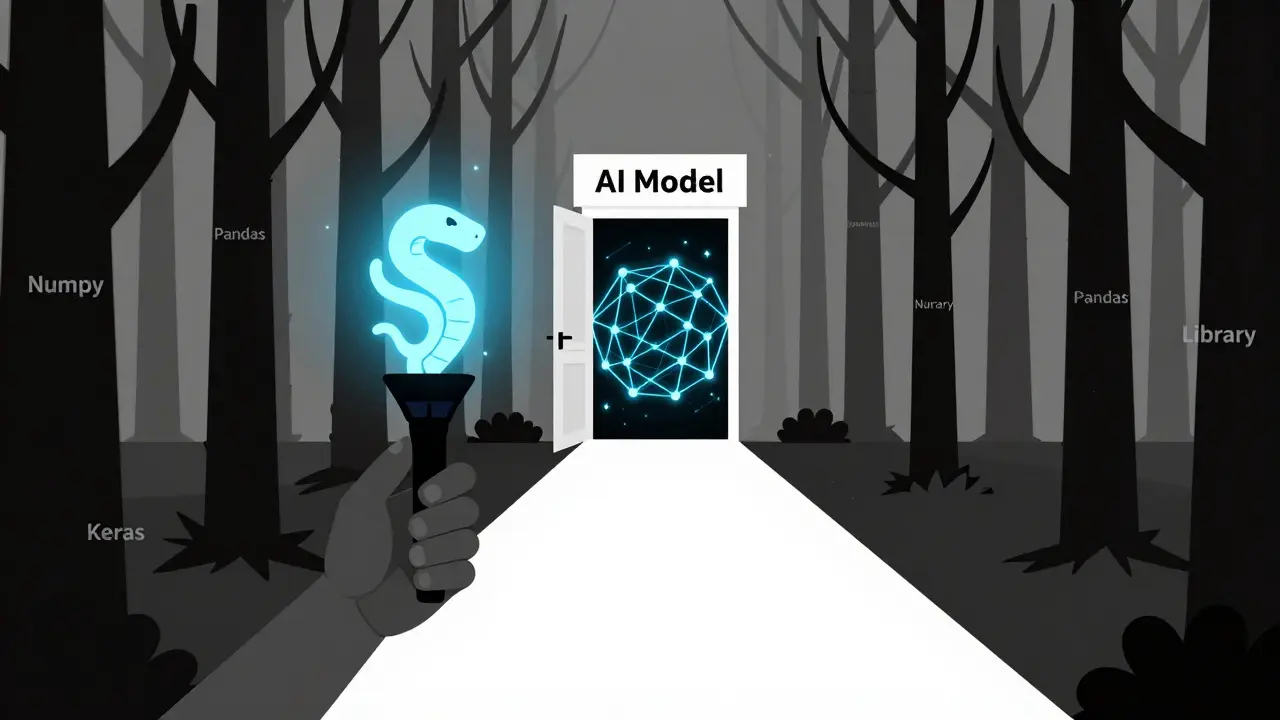
You can’t talk about Python for AI without naming the libraries that make it possible. These aren’t optional add-ons-they’re the foundation.
- NumPy: Handles arrays and matrices. Everything in AI needs math. NumPy makes it fast and clean. A 10,000x10,000 matrix multiplication? Done in milliseconds.
- Pandas: Manages messy data. Real-world AI doesn’t work with perfect datasets. Pandas lets you clean, filter, and reshape data from CSVs, databases, or APIs in minutes.
- Scikit-learn: The go-to for traditional machine learning. If you’re doing classification, regression, or clustering, this library gives you pre-built models with just a few lines. No PhD required.
- TensorFlow and PyTorch: These are the two giants for deep learning. TensorFlow excels in production environments. PyTorch is the favorite for research because it’s more intuitive and dynamic. Both have Python APIs that feel natural.
- Keras: Originally a standalone library, now built into TensorFlow. It’s the easiest way to build neural networks without getting lost in layers and tensors.
Each of these libraries has a clear job. You don’t need to master them all at once. Start with NumPy and Pandas. Then add Scikit-learn for basic models. Once you’re comfortable, move to PyTorch or TensorFlow. That’s the path most successful AI practitioners took.
Real-World Examples: Python in Action
Let’s stop talking theory. Here’s what Python for AI looks like in practice.
Netflix uses Python to recommend movies. Their recommendation engine trains on billions of viewing events. Python handles the data pipelines, feature extraction, and model training-all with libraries like Pandas and Scikit-learn. The final model runs on distributed systems, but the code that builds it? Written in Python.
Waymo’s self-driving cars rely on Python to process sensor data. Lidar, cameras, radar-all fed into models built with TensorFlow. The models predict pedestrian movement, traffic patterns, and braking points. The training happens on clusters of GPUs, but the code that defines the network architecture? Python.
Even small teams use Python to build AI tools. A startup in Austin built a tool to scan medical images for early signs of diabetic retinopathy. They used Python, OpenCV, and a pre-trained CNN from PyTorch. In six months, they went from idea to FDA-cleared prototype. No C++ experts. No team of 50 engineers. Just Python developers who knew how to use the right libraries.

How Python Compares to Other Languages in AI
Some argue that C++, Rust, or Julia are better for AI. They’re faster. More memory-efficient. True. But speed isn’t everything.
Here’s a simple comparison:
| Criteria | Python | C++ | Rust | Julia |
|---|---|---|---|---|
| Learning curve | Low | High | High | Moderate |
| Development speed | Very fast | Slow | Slow | Moderate |
| Library ecosystem | Extensive | Limited | Growing | Small |
| Production deployment | Good (with containers) | Excellent | Excellent | Poor |
| Community support | Massive | Niche | Small | Small |
Python wins on accessibility and speed of iteration. C++ and Rust are better for final deployment-like embedding AI into a robot’s processor. But even then, most teams train the model in Python first, then convert it to C++ for performance.
Julia is promising. It’s designed for scientific computing and can match Python’s syntax while being faster. But it lacks the libraries, tutorials, and job market demand. In 2025, only 3% of AI job postings asked for Julia skills. Python? Over 90%.
Getting Started: A Practical Roadmap
If you want to use Python for AI, here’s how to begin-no fluff, just steps.
- Install Python 3.11 or 3.12. Avoid Python 2. It’s dead. Use python.org or Anaconda.
- Learn basic Python: variables, loops, functions, lists, dictionaries. You don’t need classes or decorators yet.
- Install NumPy and Pandas. Load a CSV file. Calculate averages. Plot a graph with Matplotlib.
- Use Scikit-learn to build your first model. Try predicting house prices using the Boston dataset (or the California Housing dataset, since Boston is deprecated).
- Move to PyTorch. Build a simple neural network that classifies handwritten digits (MNIST). Don’t worry about understanding backpropagation yet-just get it running.
- Join a Kaggle competition. Pick one labeled "Getting Started." Submit your first prediction. See where you rank.
- Build a small project: a spam email classifier, a sentiment analyzer for tweets, or a model that predicts weather from historical data.
You don’t need a degree. You don’t need to know calculus. You just need to write code and see what happens.
Pitfalls to Avoid
Even experienced developers make mistakes when starting with Python for AI.
- Using too many libraries at once. Don’t install TensorFlow, Keras, PyTorch, and JAX on day one. Pick one. Master it.
- Ignoring data quality. A perfect model on garbage data still gives garbage results. Spend 70% of your time cleaning data, not tuning hyperparameters.
- Copying code from blogs without understanding it. That “magic” line of code? It might be using a deprecated function or leaking memory. Read the documentation.
- Thinking you need a GPU. You can train small models on your laptop. Cloud GPUs are for scaling, not learning.
- Skipping version control. Use Git. Even if you’re alone. You’ll thank yourself when you break something and need to go back.
What Comes Next?
Once you’re comfortable with Python for AI, you’ll naturally branch out.
You might explore:
- Transformers and LLMs using Hugging Face’s libraries
- Deploying models with FastAPI or Flask
- Using ONNX to convert models for mobile or edge devices
- Working with vector databases like Pinecone or Milvus for AI search
But none of that matters unless you’ve mastered the basics. The best AI engineers aren’t the ones who know the most frameworks. They’re the ones who understand data, can debug a model that’s not learning, and know when to stop tweaking and ship something.
Is Python the only language you need for AI?
No, but it’s the only one most people need to start. For deployment in embedded systems or high-performance environments, C++ or Rust might be used. But the model design, training, and experimentation almost always happen in Python. You can build a full AI system using Python alone.
Do you need a math background to use Python for AI?
Not to get started. You can train models using high-level libraries without knowing how backpropagation works. But as you advance, understanding linear algebra, probability, and calculus helps you debug, improve, and innovate. Start coding first. Learn math as you hit walls.
Can Python handle large-scale AI projects?
Yes. Companies like Google, Meta, and OpenAI train models with trillions of parameters using Python. The heavy computation runs on GPUs and TPUs, but the orchestration, data pipelines, and model definitions are written in Python. Tools like Ray, Dask, and Kubeflow let Python scale across clusters.
How long does it take to become proficient in Python for AI?
With consistent practice-about 10-15 hours a week-you can build your first working model in 4-6 weeks. Becoming comfortable with advanced topics like fine-tuning LLMs or building custom neural networks takes 6-12 months. It’s not about memorizing syntax. It’s about solving problems.
Are there free resources to learn Python for AI?
Yes. Google’s Machine Learning Crash Course, fast.ai’s Practical Deep Learning for Coders, and Kaggle’s free micro-courses are all excellent. You don’t need to pay for a course to learn. What you need is to build something, break it, fix it, and repeat.
Final Thought
Python for AI isn’t about being the most powerful tool. It’s about being the most practical one. It lets you turn ideas into working systems faster than any other language. That’s why it dominates. That’s why it will keep dominating. If you want to build AI, start with Python. Don’t wait for the perfect setup. Start today-with one line of code.