
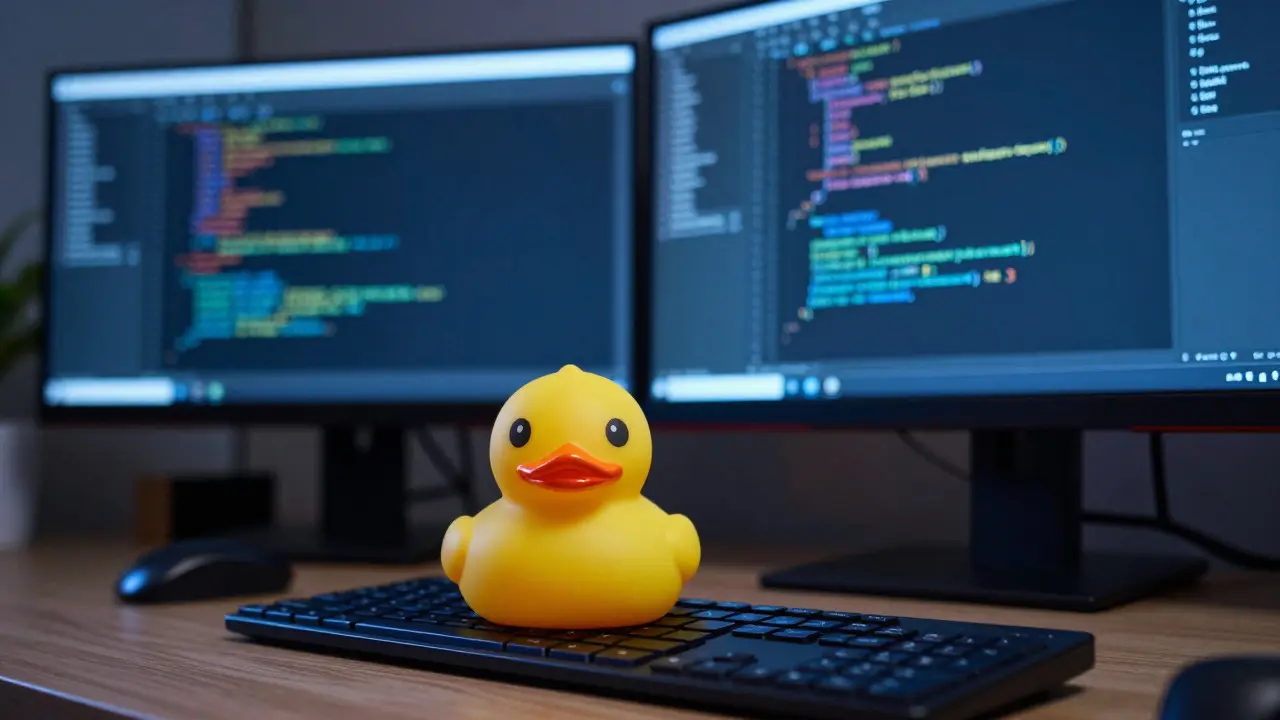
Ever spent three hours staring at a screen, convinced your logic is flawless, only to realize you missed a single semicolon or misunderstood how a variable scope works? It happens to everyone. From junior developers in their first internship to senior engineers at major tech firms, we all hit walls where the code just refuses to behave. The difference between getting stuck for days and solving it in minutes often comes down to knowing specific programming tricks. These aren't magic spells; they are proven patterns, mental models, and tool shortcuts that experienced developers use to navigate complexity.
Coding isn't just about writing syntax that a computer understands. It's about managing human cognitive load. When you write code, you're building a bridge between abstract ideas and concrete machine instructions. If that bridge is shaky, everything collapses. By adopting certain habits and techniques, you can make that bridge stronger, faster, and easier to maintain. Let’s look at ten practical tricks that will change how you approach problems.
1. Rubber Duck Debugging: Talk It Out
You’ve probably heard of this one, but do you actually practice it? Rubber duck debugging involves explaining your code line-by-line to an inanimate object-traditionally a rubber duck. Why does this work? Because forcing yourself to articulate the logic out loud slows down your brain. When you read code silently, your brain fills in gaps based on assumptions. When you speak it, those assumptions surface as contradictions.
I remember a project last year where I was stuck on a recursive function that kept returning null. I explained the base case and the recursive step to my cat (who didn’t care). Halfway through the second sentence, I realized I was mutating the input array instead of creating a new one. The act of verbalizing the process exposed the bug instantly. You don’t need a duck; a colleague, a voice memo, or even just talking to yourself works. The key is externalizing the internal monologue.
2. The Power of Descriptive Naming
Bad variable names are silent killers. Names like `data`, `temp`, or `x` force the reader to hunt for context elsewhere in the file. Good names tell a story. Instead of `let d = 365;`, write `let daysInYear = 365;`. This might seem trivial, but over thousands of lines, clarity compounds. When you return to code six months later, you shouldn't have to reverse-engineer what `calc()` does. Should it be `calculateTotalPrice()`? `computeTax()`? The name should answer the question before you even open the function.
A trick here is to ask: "If I remove the comments, is the code still understandable?" If the answer is no, your names are failing. Use nouns for variables and verbs for functions. Avoid abbreviations unless they are universally understood (like `id` or `url`). This reduces cognitive friction significantly.
3. Break Problems Into Tiny Functions
We often try to solve entire problems in one massive function. This leads to spaghetti code that is hard to test and debug. A powerful programming trick is decomposition. Take a complex task, like "process user payment," and break it into smaller steps: validate card, check balance, authorize transaction, update database, send receipt. Each step becomes its own small function.
Small functions have clear inputs and outputs. They are easier to unit test. If something breaks, you know exactly which small piece failed. Aim for functions that do one thing and do it well. If a function is longer than 20-30 lines, ask yourself if it can be split further. This modular approach makes refactoring painless because changes are isolated.
4. Use Version Control for Everything
Many developers treat Git as a backup service. They commit only when things are working perfectly. This is a missed opportunity. Use version control to experiment safely. Before trying a risky refactor, create a new branch. If it fails, delete the branch and start fresh. No pressure, no fear of breaking production.
Also, write meaningful commit messages. "Fix bug" tells you nothing. "Fix race condition in login handler by adding mutex lock" tells you exactly what changed and why. This history becomes invaluable when hunting down regressions. Tools like GitHub Copilot or other AI assistants can help generate these descriptions if you paste your diff, but the intent must come from you.
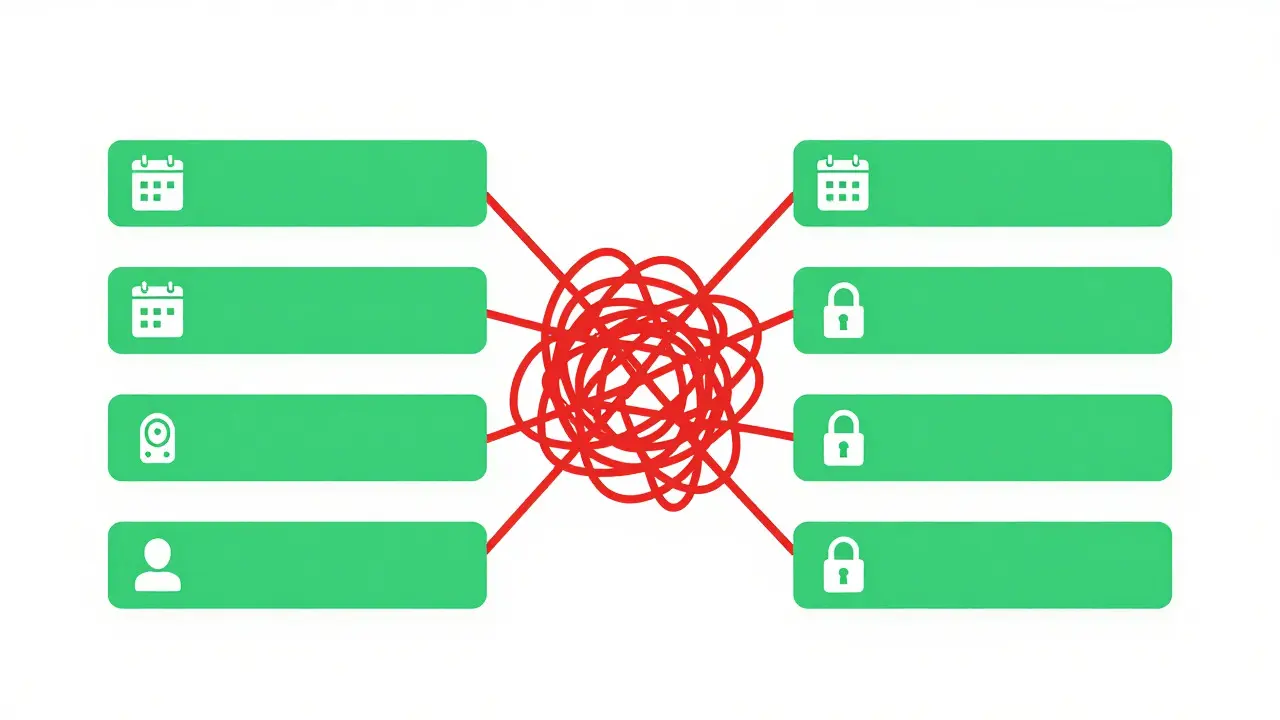
5. Master Your Debugger, Not Just Print Statements
`console.log()` is quick, but it’s inefficient for complex issues. Learning to use your IDE’s debugger is a superpower. Set breakpoints, inspect variable states at runtime, and step through code execution line by line. You can see exactly what values are held in memory at any given moment.
Most modern IDEs (VS Code, IntelliJ, PyCharm) have robust debugging tools. Learn to set conditional breakpoints-breakpoints that only trigger when a specific condition is met (e.g., `i == 500`). This saves time compared to scrolling through thousands of log lines. Understanding stack traces is also crucial. Don’t ignore them; they point directly to the source of errors.
6. Write Tests Before You Write Code (TDD)
Test-Driven Development (TDD) feels counterintuitive at first. How can you write a test for code that doesn’t exist? But TDD forces you to think about the interface and expected behavior before implementation. You write a failing test, then write the minimum code to pass it, then refactor. This cycle ensures your code is always tested and prevents feature creep.
Even if you don’t follow strict TDD, writing tests early catches bugs sooner. Fixing a bug in design costs less than fixing it in production. Use testing frameworks appropriate for your language: Jest for JavaScript, pytest for Python, JUnit for Java. Automate running these tests so every commit is validated.
7. Leverage Standard Libraries and Existing Solutions
Reinventing the wheel is rarely efficient. Most common tasks-sorting arrays, handling dates, making HTTP requests-are solved by standard libraries or popular packages. Learn the standard library of your primary language inside out. In Python, know `collections` and `itertools`. In JavaScript, master `Array.prototype` methods like `map`, `filter`, and `reduce`.
When reaching for third-party packages, choose well-maintained ones with large communities. Check their documentation, recent commits, and issue trackers. Using established solutions means you benefit from years of optimization and security audits by others. It also makes your code more readable to other developers who recognize these standard patterns.

8. Optimize Readability Over Cleverness
There’s a temptation to write clever, concise code using obscure features or heavy metaprogramming. Resist it. Code is read far more often than it is written. Prioritize clarity. If a one-liner requires a comment to explain, it’s not clever; it’s confusing. Simple, explicit code is easier to debug, extend, and hand off to teammates.
Consider the future maintainer of your code-who might be you in six months. Would they thank you for the golf-code solution, or for the straightforward loop? Favor readability. Use formatting tools like Prettier or Black automatically to handle style debates. Focus your energy on logic, not indentation.
9. Understand Time and Space Complexity
Not all solutions are equal. A nested loop might work for 10 items but crash with 10,000. Understanding Big O notation helps you predict performance bottlenecks. Know the difference between O(n), O(n²), and O(log n). For most web applications, O(n) is acceptable, but O(n²) can cause timeouts.
Before implementing, sketch the algorithm. Ask: "What is the worst-case scenario?" Use data structures wisely. Hash maps offer O(1) lookups, while arrays require O(n) searches. Choosing the right structure upfront saves optimization headaches later. Profile your code with real data to identify hotspots rather than guessing.
10. Take Breaks and Step Away
This sounds soft, but it’s scientifically backed. Staring at the same problem for hours leads to tunnel vision. Your brain needs diffuse mode thinking to connect disparate ideas. When stuck, take a walk, exercise, or sleep on it. Many breakthroughs happen in the shower or during a commute.
Your subconscious continues processing the problem even when you’re not actively coding. Returning with fresh eyes often reveals obvious solutions you previously overlooked. Protect your mental energy. Burnout kills creativity. Schedule regular breaks using techniques like Pomodoro (25 minutes work, 5 minutes rest).
| Method | Best For | Limitations |
|---|---|---|
| Rubber Ducking | Logical errors, flow issues | Requires verbalization skill |
| Print Logging | Quick checks, simple state inspection | Noisy, hard to clean up, slow |
| IDE Debugger | Complex state, runtime analysis | Steeper learning curve |
| Unit Tests | Regression prevention, edge cases | Time-consuming to write initially |
Putting It All Together
These tricks aren't isolated; they reinforce each other. Clear naming helps debugging. Small functions make testing easier. Testing ensures correctness, allowing you to refactor confidently. It’s a virtuous cycle. Start by picking one or two techniques to focus on this week. Maybe master your debugger or rename five poorly named variables. Gradually build these habits into your workflow.
Programming is a craft. Like any craft, mastery comes from deliberate practice and learning from mistakes. Don’t fear bugs; embrace them as learning opportunities. Every error message is a clue. Every broken build is a chance to improve your system. Keep experimenting, keep asking questions, and keep sharing knowledge with your peers. The best programmers are lifelong learners.
What is the most effective way to learn new programming tricks?
The most effective way is through deliberate practice on real projects. Apply one new technique per week, such as refactoring a module to use better naming or adding unit tests to an existing function. Reading code written by others on platforms like GitHub also exposes you to diverse patterns and styles.
Is Test-Driven Development (TDD) suitable for beginners?
Yes, but start small. TDD can feel restrictive initially. Begin by writing tests for simple utility functions before applying it to complex business logic. The goal is to build confidence in your test suite, ensuring that changes don’t break existing functionality.
How do I decide when to optimize code for performance?
Premature optimization is harmful. First, ensure the code works correctly and is readable. Only optimize after profiling identifies a bottleneck that impacts user experience or server costs. Measure the impact of changes quantitatively rather than guessing.
Why is descriptive naming so important in team environments?
Descriptive names reduce communication overhead. When team members can understand code without asking for clarification, collaboration speeds up. It also reduces onboarding time for new hires, as the codebase becomes self-documenting.
Can AI tools replace traditional debugging methods?
AI tools can assist by suggesting fixes or generating test cases, but they cannot replace human understanding of context and logic. Relying solely on AI may lead to subtle bugs. Use AI as a copilot, not an autopilot, verifying all suggestions manually.